




Understanding your website traffic is no longer optional. It is the foundation of every smart business decision you make online. Without accurate analytics, you are essentially flying blind, guessing which content works, where your visitors come from, and what drives conversions.
The challenge is that most website owners still default to Google Analytics without considering the alternatives. While Google Analytics 4 is powerful, it comes with serious privacy concerns, a steep learning curve, and a script that can slow down your site. That is exactly why independent analytics tools are surging in popularity right now.
We tested and compared the top analytics plugins for WordPress to find the ones that deliver accurate data without compromising your visitors’ privacy or your site’s speed. This guide covers seven outstanding options, starting with privacy-first independent tools and finishing with the traditional Google Analytics integrations.
Why You Should Consider Independent Analytics Over Google Analytics
Google Analytics has dominated the web analytics space for over a decade, but the landscape is shifting dramatically. Since Universal Analytics was retired in July 2023 and replaced by GA4, many users have found the new interface confusing and overly complex.
Beyond usability, there is a growing concern about privacy. Google Analytics has faced legal challenges in several European countries, including Austria, France, and Italy, where data protection authorities have ruled that it violates the GDPR by transferring user data to the United States. If your audience includes European visitors, this is a serious liability.
Independent analytics tools solve both problems at once. They use lightweight scripts that load faster, do not rely on cookies, and keep your data under your control. For many WordPress site owners, this is a far better trade-off than the bloated, privacy-invasive alternative.
Here are the key advantages of choosing independent analytics:
- Faster load times: Most independent tools use scripts under 1KB, compared to GA4’s 45KB+ script.
- GDPR and CCPA compliance: No cookies and no personal data tracking means fewer legal headaches.
- Simpler dashboards: You get the metrics that matter without wading through hundreds of irrelevant reports.
- Data ownership: Your analytics data stays on your server, not on a third-party cloud.
What We Looked For in an Analytics Plugin
We did not just install these plugins and glance at the dashboard. We ran them on live WordPress sites for several weeks to evaluate their real-world performance. Our goal was to find tools that balance accuracy, privacy, speed, and ease of use.
Here is the exact framework we used to evaluate every plugin:
- Accuracy: Does the tool reliably track visitors, pageviews, and conversions?
- Performance impact: How much does the script slow down your website?
- Privacy compliance: Is the tool GDPR-, CCPA-, and PECR-compliant out of the box?
- Ease of use: Can a non-technical user understand the dashboard within minutes?
- Pricing: Does the cost justify the features and data quality provided?
Every plugin on this list scored highly across these categories, so whichever one you choose will serve you well.
Quick Comparison: The Top 7 Analytics Plugins
Before we dive into the detailed reviews, here is a quick comparison table to help you see all seven options at a glance. We included key metrics like script size, GDPR compliance, and starting prices so you can quickly identify which tool fits your needs.
| Plugin Name | Best For | Active Users | Script Size | Starting Price |
| Independent Analytics | Free & WP-Native | 10,000+ | <1KB | Free |
| Plausible Analytics | Lightweight & GDPR | 100,000+ sites | <1KB | $9 mo |
| Matomo | Full-Featured & Self-Hosted | 1M+ sites | ~20KB | Free / €19 mo |
| Fathom Analytics | Simple & Privacy-First | 100,000+ sites | <2KB | $14 mo |
| Burst Statistics | Real-Time & WP-Native | 20,000+ | <1KB | Free |
| MonsterInsights | Easy GA4 Integration | 3M+ installs | GA4 script | Free / $99 yr |
| Site Kit by Google | Free Google Suite | 3M+ installs | GA4 script | Free |
1. Independent Analytics – The Best Free WordPress-Native Solution
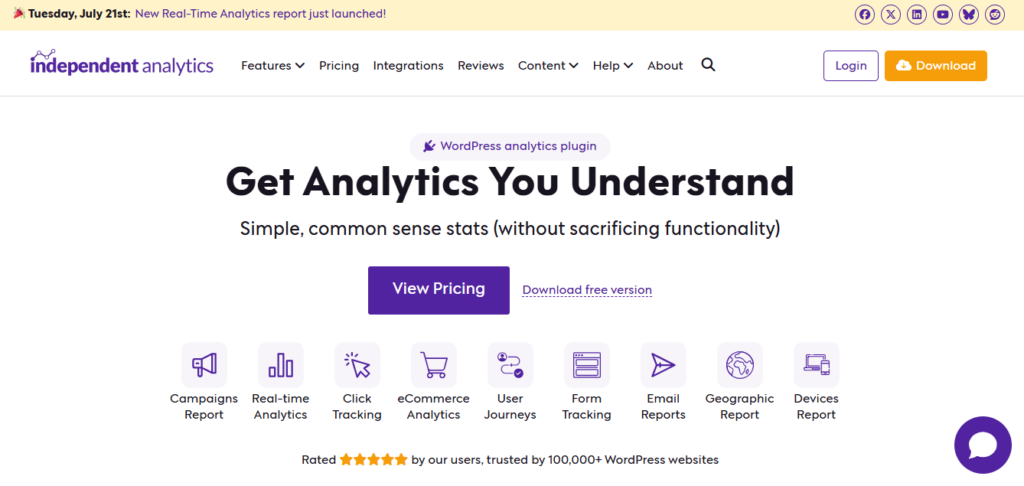
Independent Analytics is exactly what its name suggests. It is a lightweight, privacy-friendly analytics plugin that runs entirely within your WordPress dashboard. There is no external service, no third-party server, and no cookies involved, which makes it one of the most GDPR-compliant options available.
Here is what makes Independent Analytics stand out:
- 100% free and self-contained: All your data stays on your own server, giving you complete ownership.
- Real-time dashboard: Track visitors, pageviews, and top-performing pages directly inside your WordPress admin.
- Zero performance impact: The script is under 1KB, so it will not slow down your website at all.
- No setup required: Install, activate, and your analytics start collecting data immediately.
If you want a no-fuss, privacy-first analytics solution without spending a single dollar, Independent Analytics is the perfect starting point. It is especially ideal for bloggers, small businesses, and anyone who just wants to understand their traffic without drowning in data.
If you are ready to move on from GA4 entirely, we have already put together a detailed guide to the best Google Analytics alternative to help you find the perfect fit for your site.
2. Plausible Analytics – The Lightweight Champion

Plausible Analytics has quickly become the go-to alternative to Google Analytics for privacy-conscious website owners. The entire script weighs less than 1KB, which is roughly 45 times smaller than Google Analytics. This means it has virtually zero impact on your page load speed.
Plausible is fully GDPR-, CCPA-, and PECR-compliant out of the box, and it does not use cookies or collect any personal data. This makes it an excellent choice for websites serving European audiences that want to avoid the legal risks associated with Google Analytics.
Here is why Plausible is a favourite among developers and agencies:
- Extremely lightweight: The script is under 1KB, keeping your site blazing fast.
- Cookie-free and privacy-first: No banners, no consent popups, and no personal data tracking.
- Self-hosting option: You can host Plausible on your own server for complete data control.
- Clean, intuitive dashboard: All key metrics fit on a single page, no clutter, no confusion.
Plausible is a paid service starting at $9 per month for up to 10,000 pageviews, with a dedicated WordPress plugin that makes integration seamless. For anyone who values speed and privacy, Plausible is one of the best investments you can make.
3. Matomo – The Full-Powered Self-Hosted Alternative
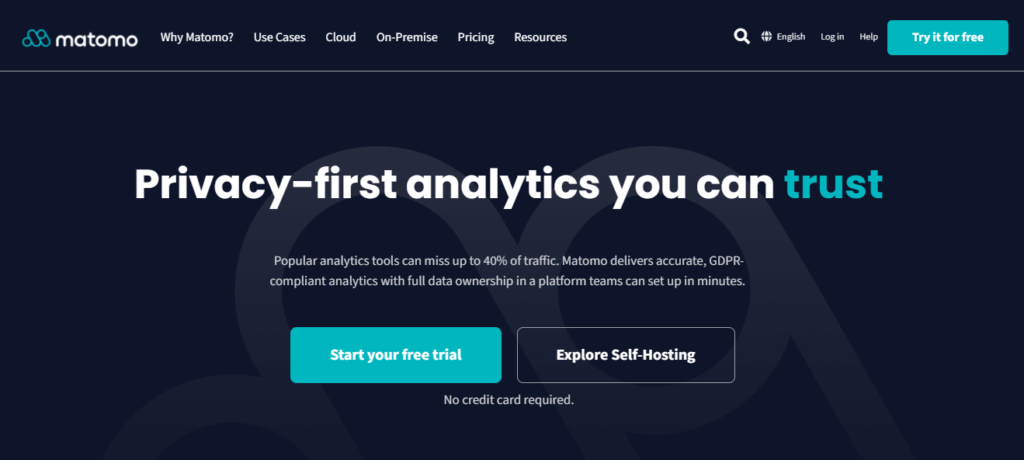
Matomo, formerly known as Piwik, is the most feature-rich independent analytics platform available today. It is used by over 1 million websites worldwide, including major organisations like the European Commission and the United Nations. Unlike simpler tools, Matomo offers heatmaps, session recordings, funnels, and A/B testing.
The biggest advantage of Matomo is that you can self-host it on your own server, which gives you complete ownership of your data. This is a significant advantage for businesses with strict data protection requirements or those operating in regulated industries.
Here is what sets Matomo apart from the competition:
- Full-featured analytics: Includes heatmaps, session recordings, funnels, goals, and e-commerce tracking.
- Self-hosted or cloud: Choose between hosting it yourself for free or using their cloud service.
- 100% data ownership: When self-hosted, your data never leaves your server.
- GDPR compliant: Built-in privacy features and consent management tools.
The self-hosted version of Matomo is completely free, while the cloud version starts at €19 per month. If you need enterprise-grade analytics without relying on Google, Matomo is the most powerful option on this list.
4. Fathom Analytics – Simple, Private, and Effective
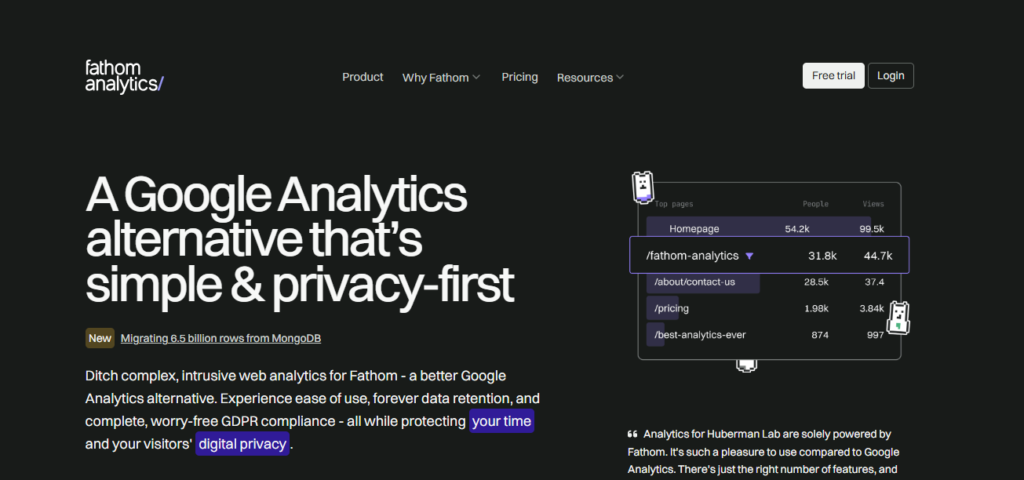
Fathom Analytics was built on a simple philosophy: analytics should be easy to understand and respectful of user privacy. The tool strips away all the complexity of traditional analytics and presents your most important metrics on a single, clean dashboard.
Like Plausible, Fathom does not use cookies and is fully compliant with GDPR, CCPA, and PECR. This means you do not need to display annoying cookie consent banners, which improves the user experience and reduces friction for your visitors.
Here is what makes Fathom a compelling choice:
- Single-page dashboard: All your key metrics are visible at a glance, no digging through menus.
- Cookie-free tracking: No personal data collection means no consent banners required.
- Email reports: Get weekly or monthly traffic summaries delivered straight to your inbox.
- EU isolation: Data is processed in the EU, ensuring compliance for European audiences.
Fathom starts at $14 per month for up to 100,000 pageviews, and there is a well-maintained WordPress plugin for easy integration. If you want analytics that are genuinely simple and privacy-focused, Fathom delivers exactly that.
5. Burst Statistics – Real-Time Analytics Built for WordPress
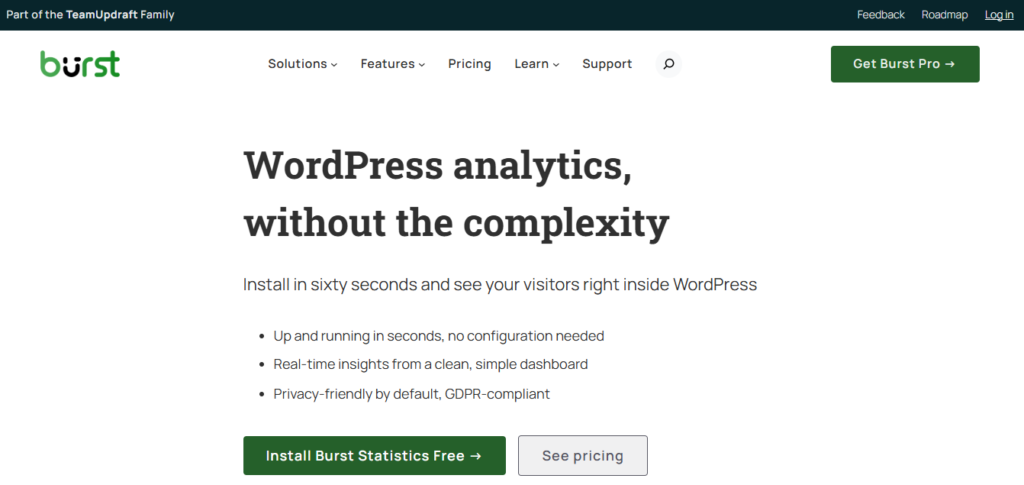
Burst Statistics is a newer player in the analytics space, but it has quickly gained traction among WordPress users. Unlike external services, Burst is built specifically for WordPress and displays your analytics directly inside your admin dashboard. This native integration makes it incredibly convenient.
One of Burst’s standout features is its real-time tracking. You can see exactly who is on your website right now, which pages they are viewing, and where they came from. This level of immediacy is valuable for product launches, marketing campaigns, and live events.
Here is what makes Burst Statistics worth considering:
- WordPress-native: All data is stored and displayed within your WordPress dashboard.
- Real-time tracking: See live visitor activity as it happens, perfect for launches and campaigns.
- GDPR-friendly: Cookie-free tracking with built-in privacy controls.
- Free tier available: Start with the free version and upgrade when you need more features.
Burst offers a free plan that covers the essentials, with premium plans starting at around €29 per year. If you want real-time insights without leaving your WordPress admin, Burst is an excellent choice.
6. MonsterInsights – The Easiest Way to Use Google Analytics 4

If you still prefer Google Analytics but find GA4 overwhelming, MonsterInsights is the solution. With over 3 million active installations, it is the most popular Google Analytics plugin for WordPress. It connects your site to GA4 in minutes and displays the most important reports directly inside your WordPress dashboard.
MonsterInsights eliminates the need to write any code or navigate the complex GA4 interface. It automatically sets up tracking for pageviews, events, outbound links, affiliate links, and file downloads. For e-commerce stores, it provides detailed WooCommerce analytics without any manual configuration.
Here is why MonsterInsights remains a top choice:
- Effortless GA4 setup: Connect your Google Analytics account in a few clicks, no code required.
- In-dashboard reports: View your most important metrics without leaving WordPress.
- E-commerce tracking: Get detailed reports for WooCommerce and Easy Digital Downloads.
- EU compliance add-on: Includes tools to help you meet GDPR requirements.
MonsterInsights offers a free version with basic tracking, and the paid plans start at $99 per year for advanced features. If you want the power of Google Analytics without the complexity, MonsterInsights is the most user-friendly option.
7. Site Kit by Google – The Free Official Solution

Site Kit is Google’s official WordPress plugin, bringing together several of Google’s most important tools into a single dashboard. It includes Google Analytics 4, Search Console, AdSense, and PageSpeed Insights, all in one place. Best of all, it is completely free.
For beginners unsure which analytics tool to choose, Site Kit is the easiest entry point. It automatically configures Google Analytics 4 for your site and displays key metrics such as traffic, search queries, and ad revenue directly in your WordPress admin.
Here is what makes Site Kit a solid choice:
- 100% free: No hidden costs, no premium tiers, all core features included.
- Multiple Google tools: Combines Analytics, Search Console, AdSense, and PageSpeed in one dashboard.
- Official Google product: Guaranteed compatibility and regular updates from Google itself.
- Beginner-friendly setup: Guided setup process that requires no technical knowledge.
The only downside of Site Kit is that it relies on Google Analytics, which means you inherit the privacy concerns and cookie requirements discussed earlier. However, for users who are already invested in the Google ecosystem, Site Kit is the most convenient and cost-effective option.
How to Choose the Right Analytics Plugin
With seven excellent options on this list, the right choice depends on your priorities. If privacy and speed are your top concerns, go with an independent tool. If you need deep integration with Google’s ecosystem, a GA4-based plugin is the better fit.
Here is a quick breakdown to help you decide:
- For free, privacy-first analytics: Independent Analytics or Burst Statistics.
- For the lightest script and best privacy: Plausible or Fathom Analytics.
- For enterprise-grade features and self-hosting: Matomo is the clear winner.
- For easy GA4 integration: MonsterInsights is the most user-friendly option.
- For a free, all-in-one Google solution: Site Kit by Google is unbeatable.
Final Verdict
The era of blindly defaulting to Google Analytics is over. With GDPR enforcement tightening and GA4’s complexity frustrating users, independent analytics tools have never been more relevant or more capable.
If you are just getting started and want a free, privacy-friendly solution, begin with Independent Analytics or Burst Statistics. If you are willing to invest a small monthly fee for the best privacy and speed, Plausible and Fathom are outstanding choices. For power users who need heatmaps and session recordings, Matomo is the most comprehensive option.
Whatever you choose, the most important thing is to start tracking your data today. Pick one tool among the best WordPress analytics plugins, install it, and begin making decisions based on real insights rather than guesswork. Your future self will thank you.