Did you know? More than 60% of customers prefer to pay online for any service or product, and this number is growing rapidly. Therefore, if your service doesn’t offer an online payment option, you’re missing out on a huge opportunity.
If you are selling your services through a WordPress website, this process becomes even easier for you.
Thankfully, WordPress booking plugins with payment integration are here to take your sales higher. These WordPress booking plugins automate appointment scheduling, accept online payments securely, sync multiple popular calendars and send automatic confirmations, all from one place.
Think of them as your digital receptionist, cashier and scheduler rolled into one. By having a WordPress booking plugin with payment integrations, you don’t have to go back and forth with clients booking via phone calls or emails. You get a streamlined system that works around the clock, 24/7.
But what happens when you don’t use a booking plugin at all? Let’s spare a glance at the other side.
What Missing a Booking Plugin Means for Your Business
- Booking Friction: Without any automated system, your customers have to email, call or wait for confirmation. Thus, it means adding an extra layer of delays one after another.
- Booking Errors: Double bookings and booking errors are an everyday thing for most service-based businesses, as if nothing new. After all, without proper real-time availability updates and calendar syncing, it’s easy to overbook time slots or miss appointments completely. Thus, in the end, this simply damages trust and professionalism.
- No Payment Ease: Payments are one of the biggest pain points for any business, yet especially for service-based businesses. Without a WordPress booking plugin with payment integration, you’re often chasing invoices, sending payment links manually or dealing with no-shows as no one has time to take deposits. In the end, missed or delayed payments affect your cash flow right away, making your revenue unpredictable.
- Lost Productivity: Each manual booking request, confirmation email, reschedule, or cancellation does nothing but simply eats into hours that could be spent growing your business & serving customers.
Now, let’s look at the other side of the coin: What if we use a WordPress appointment booking plugin?
Why Automated Booking Plugins for WordPress Make a Real Difference
- Bookings & Payments: Customers can view available time slots, book appointments, and pay online the right way. No emails or phone calls are needed.
- Real-Time Calendar Sync: Most WordPress appointment booking plugins integrate with Google Calendar, Outlook, iCal or other platforms to schedule, making booking errors a thing of the past.
- Automatic Notifications: With a WordPress appointment & booking plugin, you can even send your clients booking confirmations and reminders via email or SMS automatically. At the end of the day, it makes you look professional, as if you actually value your customer and their appointment.
- Professional Experience: Using an appointment and booking plugin for a WordPress site gives it a professional vibe. On the other hand, your clients enjoy a smooth booking experience, which builds trust and encourages repeat business.
- Time & Productivity: By automating day-to-day tasks, you save hours every week that would otherwise go into managing appointments manually (sounds like a total waste of time). That’s the time you can spend growing your business.
Now, let’s take a closer look at some of the top contenders in the WordPress appointment booking arena.
The Best WordPress Booking Plugins with Payment Integration
1. BookingPress
Pricing starting at: $89/year
Payment Integration: Supports 20+ payment gateways (PayPal, Stripe, Razorpay, Authorize.Net, Paystack, WooCommerce, Skrill and more)
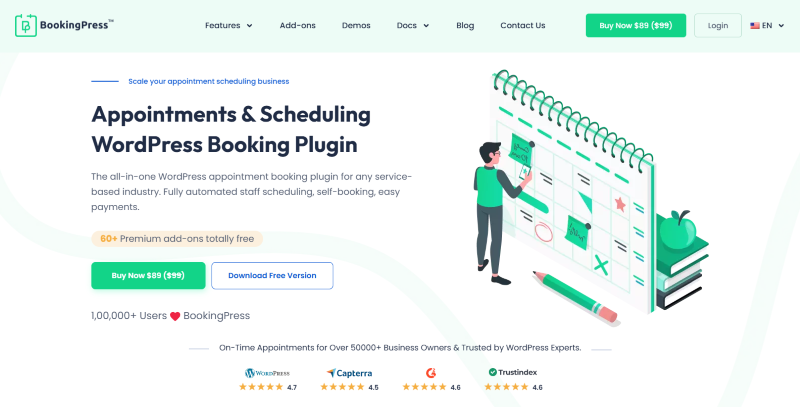
BookingPress is the best WordPress booking plugin to turn your simple WordPress site into an online booking system. It acts as an all-in-one solution for managing appointment bookings, payments, clients, communication and staff via an easy-to-use interface for everyone, including admin, staff and customers. Best of all, it comes with 20+ add-ons to take your online booking business to the next level.
Key Features of BookingPress:
- Payment Integration: BookingPress allows you to accept online payments, full or deposit, via 20+ popular payment gateways such as PayPal, Stripe, Razorpay, Authorize.Net and more, along with POS system support.
- Simple User Interface: Its user-friendly interface lets you manage bookings, clients and payments with zero confusion.
- Customizable Booking Form: You can easily customize your booking form’s style with its feature-rich toolset to match your brand’s style and vibe.
- Automatic Notifications: BookingPress lets you send custom automated notifications via Email, SMS, WhatsApp and Telegram.
- Two-Way Sync: It smoothly syncs bookings across Google Calendar, Outlook Calendar and Apple Calendar.
- Flexible Scheduling: Set custom working hours, buffer time, and a day off, as well as offer happy hours with custom pricing. Also, allow Group appointments, recurring appointments and multiple bookings at once.
- Staff Management: Give your staff members their own accounts to manage their appointments and schedule for the day.
- Service Package: Create packages of multiple services to sell more in one go and offer a discount on the total price using coupon codes.
- Advanced Analytics: BookingPress comes with a centralized analytics dashboard to get all the data you need to grow your revenue and business
- Powerful Integration: Smoothly integrate with your favourite tools such as MailChimp, AWeber, Zoom, Zapier and a LOT more!
BookingPress is our top recommendation at hostwp.io for all service-based businesses that want to eliminate the hassle of managing appointments manually, making it a great plugin for salons, consultancies, coaches and any service-based business.
2. Appointment Hour Booking
Pricing starting at: $68.99/year
Payment Integration: Supports 9+ payment gateways (PayPal, PayPal Pro, Skrill, Stripe, and more)
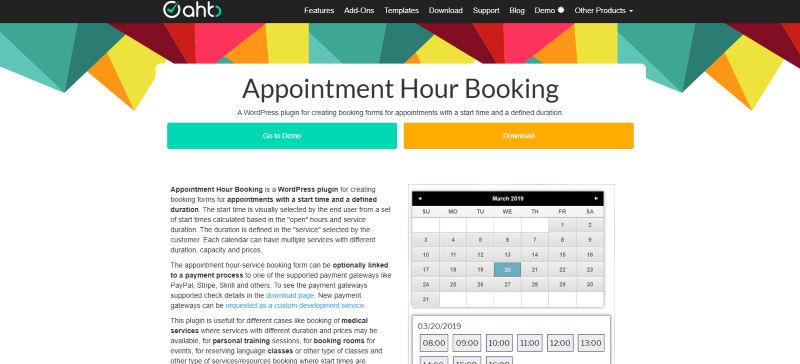
Appointment Hour Booking is one of the best WordPress booking plugins for businesses that want hour-by-hour scheduling. Thus, whether you run a clinic, consultancy or tutoring service, this plugin makes sure your appointments are managed down to the minute, leaving no room for confusion.
Key Features of Appointment Hour Booking:
- Flexible Time Slots: Custom appointment durations, time intervals, and available hours for each service.
- Payment Integration: Accept payments online via 9+ payment gateways such as PayPal, PayPal Pro, Skrill, Stripe, and more, including full or partial deposits.
- Custom Booking Forms: Personalize your booking forms to your services, clients’ needs, and branding with ease.
- Automatic Notifications: Send confirmations, reminders and follow-ups via email or SMS.
- Calendar Sync: Integrate seamlessly with Google Calendar and Outlook to keep your schedule accurate in real time.
- Recurring Appointments: Allow clients to book recurring sessions automatically.
Appointment Hour Booking is packed with precise and reliable scheduling, which is hard to find. Moreover, it is great for businesses where timings matter more than anything. Plus, it helps you stay organized, save time and give a professional experience to every client.
3. WooCommerce Bookings
Pricing starting at: $249/year (WooCommerce Paid Extension)
Payment Integration: Connect with WooCommerce’s extensive payment gateways
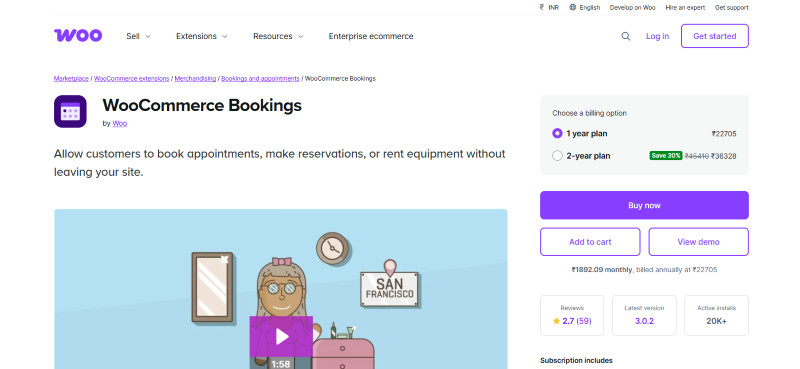
WooCommerce Bookings is another of the best booking solutions by WooCommerce. More or less, it is an extension for WooCommerce that allows your customers to make appointments, reservations and rent equipment with ease. It allows you to transform products or services into bookable items, making it perfect for service-based businesses, rentals, and workshops that use WooCommerce.
Key Features of WooCommerce Bookings:
- Product-to-Booking Conversion: WooCommerce Bookings lets you turn any WooCommerce product into a bookable service with flexible scheduling options.
- Payment Integration: It smoothly integrates with WooCommerce checkout flow to accept online payments using WooCommerce’s extensive payment gateways, such as Stripe, PayPal and Authorize.Net.
- Flexible Booking Duration: Easy to set specific time slots, durations and availability per product or service.
- Customer Management: Now, you can collect your customers’ info during booking for a more personalized follow-up and experience.
- Product to Booking Conversion: WooCommerce Bookings allows you to turn any WooCommerce product into a bookable service if you wish to sell a service alongside products.
- Automated Notifications: Automatically send email reminders, confirmations and more.
- Multiple Booking Options: Offer group bookings, recurring bookings, and multiple appointments simultaneously.
- Resource & Staff Management: Assign bookings to specific resources such as rooms, equipment or individual staff members.
- Calendar Integration: Sync with Google Calendar to avoid double bookings and manage your schedule smoothly.
WooCommerce Bookings is one of the most popular extensions for WooCommerce-based businesses that want to also try selling services. Plus, you can sell services online, accept payments and manage appointments with zero effort.
4. MotoPress Appointment Booking
Pricing starting at: $49/year
Payment Integration: Supports 12+ payment gateways (PayPal, Stripe, Square, Klarna, Google Pay and more)
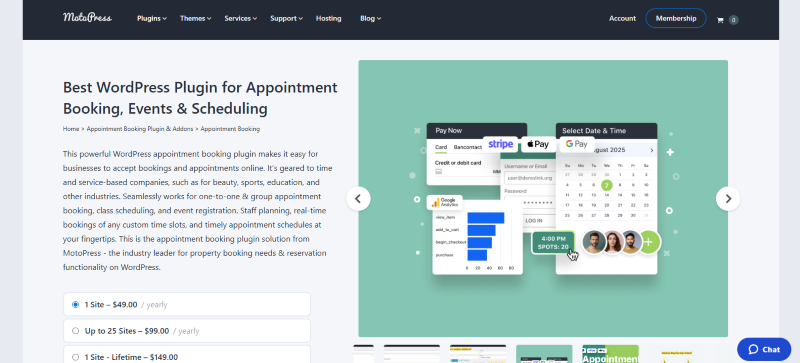
MotoPress Appointment Booking is a popular WordPress plugin for managing appointments, bookings and events. What we like most is that it’s geared to time and works perfectly for one-on-one & group appointments. It handles and takes unlimited appointments, services, staff members and locations effortlessly.
Key Features of MotoPress Appointment Booking:
- Payment Integration: Accept secure online, on-site, full or partial payments via PayPal, Stripe, Square, Apple Pay, and Google Pay, as well as WooCommerce-supported gateways.
- Advanced Scheduling: Define custom time slots, service durations, buffer times, days off, and special availability with ease.
- Employee & Service Management: Assign services to specific staff members, manage individual schedules, and balance workloads automatically.
- Real-Time Availability: Customers only see available slots, eliminating double bookings and scheduling conflicts.
- Automated Notifications: Straight off, send booking confirmations, reminders and cancellations via Email and SMS.
- WooCommerce: Extend functionality with WooCommerce for advanced payments, coupons, taxes and reporting.
- Calendar Sync: Two-way sync with Google Calendar, Apple Calendar, Outlook Calendar, and Yahoo Calendar.
MotoPress Appointment Booking is a growing WordPress appointment booking plugin that solves the common problem of outgrowing basic booking plugins by packing up advanced scheduling features in one interface.
5. Bookings and Appointments for WooCommerce
Pricing starting at: $149/year
Payment Integration: Supports payments through WooCommerce’s available payment gateways
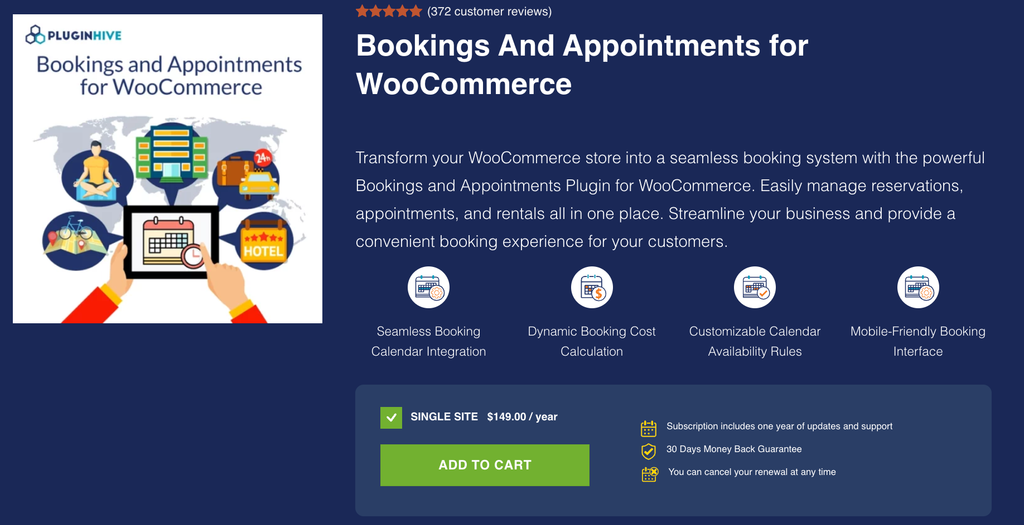
Bookings & Appointments for WooCommerce is a comprehensive booking solution by PluginHive that allows businesses to turn WooCommerce products and services into bookable options. It is suitable for appointments, rentals, reservations, tours, consultations, and other time-based services.
Key Features of Bookings & Appointments for WooCommerce:
- Product-to-Booking Conversion: Turn WooCommerce products or services into bookable products with flexible scheduling options.
- Flexible Booking Duration: Set booking durations in minutes, hours, days, or months according to your requirements.
- Recurring Bookings: Allow customers to schedule appointments or bookings at regular intervals.
- Multiple Booking Options: Support single-day, multiple-day, and non-adjacent bookings.
- Resource & Staff Management: Assign bookings to specific staff members, rooms, equipment, or other resources.
- Participant Management: Set minimum and maximum participants for individual bookings or group appointments.
- Automated Notifications: Send booking confirmations, reminders, cancellations, and other email notifications.
- Calendar Integration: Sync bookings with Google Calendar, iCal, and Outlook Calendar to keep schedules organized.
- Booking Approvals: Choose between automatic confirmation and manual approval of bookings.
- Buffer Time: Add buffer periods between bookings to allow time for preparation or cleanup.
- Zoom Integration: Connect bookings with Zoom for online meetings and virtual appointments.
- PH Deposits Compatibility: Works with PH Deposits for WooCommerce to collect partial payments or deposits during the booking process.
- PH Product Add-ons Compatibility: Integrates with PH Product Add-ons & Extra Options for WooCommerce, allowing customers to select additional services or options with their bookings.
- Multilingual Support: Compatible with WPML for creating multilingual booking experiences.
Bookings & Appointments for WooCommerce is a practical choice for businesses that want to add booking functionality to an existing WooCommerce store without moving to a separate booking platform. It can accommodate different business models, from one-on-one appointments and consultations to rentals, group sessions, and scheduled services.
So, Which Booking Plugin Should You Go With?
Picking the right WordPress booking plugin with payment integration for your business is a decision that can transform how you run your service-based business forever.
In our experience, BookingPress is the best WordPress appointment & booking plugin around here. It supports 20+ popular payment gateways + POS System support, making it steal the spotlight. Besides, it’s an all-in-one business-oriented booking solution for service-based businesses that want a simple but feature-rich tool.
However, your “BEST” WordPress booking plugin fully depends on your business model, budget and how much control you want. Thus, here’s a quick recap of all the top booking plugins for WordPress:
- BookingPress is the safest, most versatile all-around option for most WordPress sites.
- WooCommerce Bookings wins for eCommerce businesses.
- Appointment Hour Booking is best for hourly businesses.
- MotoPress balances growth and usability.
- Booking and appointment for WooCommerce shines for flexibility and control.
So, don’t wait. Pick the right WordPress appointment booking plugin and let your WordPress site handle appointments for you!