Most website hosting suggestions are exactly the same. Pick fast servers, get good security, have backups, and you’re done!
Those basics are important. But a WordPress LMS site needs a little more.
An online course platform doesn’t behave like a blog or a brochure site. Every logged-in student triggers database queries. Every quiz submission writes data. Every video lesson pulls bandwidth.
As a Tutor LMS user, you’ve already chosen a powerful platform for creating and selling online courses. Now it’s time to make sure your hosting can keep up with everything your LMS does behind the scenes.
In this guide, we’ll explore the hosting features that matter most and how they help Tutor LMS perform at its best.
What Makes Tutor LMS the Right Choice for Your eLearning Site
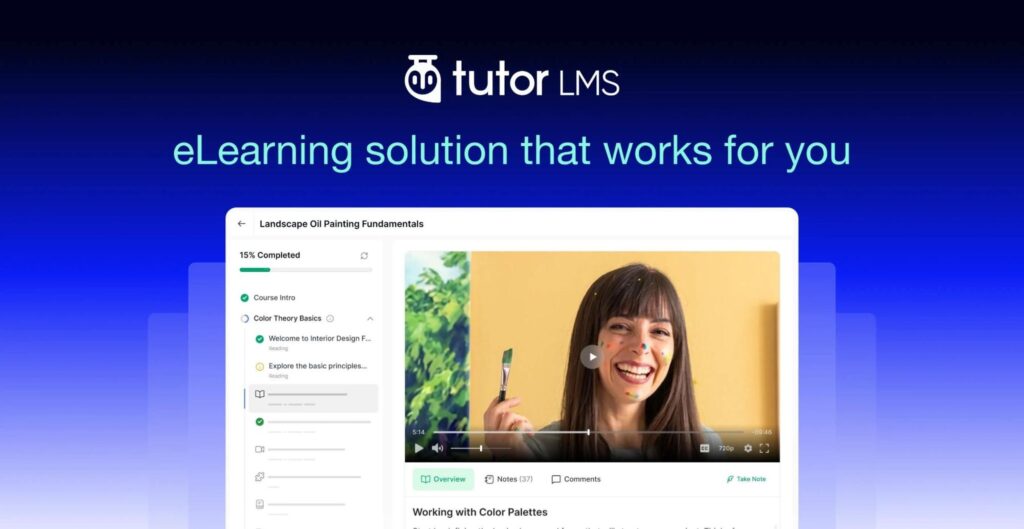
Before hosting even enters the conversation, the plugin powering your course platform matters most. Tutor LMS gives you a complete toolkit for building, selling, and managing online courses, all inside WordPress. You can even get started with the free version of Tutor LMS, which includes all the essential tools to create, manage, and sell online courses. All of these features make it one of the best free LMS plugins available for WordPress.
Course creation is drag-and-drop simple. Build curriculums with topics, lessons, quizzes, and assignments in a visual course builder, no coding needed. AI Studio speeds this up further, generating course outlines, quiz questions, and lesson content in minutes instead of hours.
Once your course is live, Tutor LMS handles the business side too. Native eCommerce lets you sell courses directly without a separate plugin. Membership & subscription plans open the door to recurring revenue instead of one-off sales. And if you’re running a marketplace with multiple instructors, Tutor LMS supports that structure out of the box.
For learner experience, Content Drip controls exactly when lessons unlock, whether that’s date-based or tied to prerequisites. The Gradebook keeps instructors on top of quiz and assignment performance in real time. And certificates get issued automatically on course completion, giving learners something tangible to show for their progress.
Behind every one of these features is a constant stream of real-time activity. Every enrollment, lesson completion, quiz attempt, assignment submission, certificate, and payment creates new database requests and server activity. Unlike a typical WordPress website, an LMS can’t rely heavily on cached pages because every learner sees personalized content.
That’s why choosing the right hosting is just as important as choosing the right LMS. To get the best performance from Tutor LMS, you need hosting that’s built for the unique demands of an online learning platform.
Why an LMS Needs Better Hosting Than a Regular WordPress Site
A typical WordPress site serves mostly static content. Cache the page, serve it fast, done.
An LMS runs constant logic behind the scenes. Tutor LMS checks enrollment status on every lesson view. Content Drip decides what’s unlocked based on dates or prerequisites. The Gradebook updates as students submit quizzes or assignments.
Besides, the dashboard pulls live data on every course, every student, every submission. Course creation and management, native eCommerce for selling courses directly, and membership & subscription plans for recurring revenue all run through the same database layer, on every request.
None of that can just be cached and served. It has to be computed in real time, on a live server, for every logged-in visitor. Hosting built for static content struggles here. The result: slow dashboards, quiz submissions that silently fail, and checkout timeouts right when a launch brings in the most traffic.
This is exactly why you should use a dedicated hosting built with Tutor LMS in mind. And HostWP.io built its infrastructure around that gap.
How HostWP Helps Tutor LMS Perform at Its Best
Let’s find out how HostWP will revolutionize the eLearning experience for your Tutor LMS website.
- Optimized Performance for Course Creation and Management
Building an online course is already a hectic process. From preparing the course outline, editing curriculum, creating lessons, uploading video, setting up quizzes and assignments, and fine-tuning every detail, there’s already plenty to manage. A slow hosting environment only adds unnecessary delays and frustration to this course creation process.
This is where HostWP’s dedicated Tutor LMS hosting plans make the difference. The LiteSpeed Enterprise handles PHP execution faster than standard Apache setups. NVMe storage speeds up every database read and write, which matters when you’re saving a 40-lesson course structure or generating content with AI Studio.
HostWP also uses high-frequency CPUs that handle the constant stream of small tasks performed inside the Tutor LMS instructor dashboard. This isn’t just about making your website load faster for visitors. It’s about giving instructors a faster and more responsive workspace. This makes creating and managing courses feel effortless.
Unlike generic WordPress hosting plans, HostWP is specifically tuned for Tutor LMS. So, you’ll experience faster performance throughout your entire course creation journey.
- Faster Quizzes, Assignments, and Course Progression
Text lessons aren’t actually the heaviest load on a Tutor LMS site. The real workload comes from interactive quizzes, assignments, and lesson completions.
Every quiz attempt writes a record. Every assignment submission stores files and updates records. Every completed lesson updates course progress, refreshes the Gradebook, and unlocks the next step through Content Drip. All of these actions happen constantly behind the scenes.
On underpowered hosting, this is where things quietly break: a quiz that doesn’t save on submit, a progress bar that doesn’t update, an assignment that fails midway through upload.
That’s why server configuration matters just as much as hardware. PHP memory limits, execution time, and other server settings need to be configured to handle the demands of an LMS.
PHP execution limits matter directly here. A host that hasn’t tuned PHP timeout and memory limits for an LMS will choke on longer quizzes, bulk grading sessions, or assignments with file uploads. However, HostWP supports these LMS-specific workloads, helping quizzes, assignments, and course progression run reliably, even as your platform grows.
- Smart Caching for Logged-In Students
Caching is supposed to make a site faster. On an LMS, done wrong, it makes things worse.
Standard WordPress caching often serves the same page to every visitor, which breaks personalized pages such as a student’s progress bar, dashboard, certificates, or a restricted view like Kids Mode that depends on who’s logged in. Cache too aggressively and students see stale or wrong data. Turning caching off to avoid that slows the site down for everyone.
The fix is caching that distinguishes between them. Object caching with Redis efficiently handles dynamic, per-user data without serving it to the wrong person. Page-level caching through LSCache still speeds up the shared parts- course landing pages, lesson content, marketing pages while leaving logged-in student views live and accurate.
Few hosts configure this correctly out of the box for a WordPress LMS plugin. HostWP ships with caching rules that already account for how Tutor LMS handles logged-in content, so you’re not stuck debugging cache exceptions yourself.
- Video Delivery and Lesson Streaming
Video lessons are often the most bandwidth-intensive part of an online course. Also, there’s no room for buffering. According to a report by The Verge, viewers abandon a video after just two seconds of buffering. It proves buffering is not only annoying but also a proven reason students abandon lessons.
Two things matter here: how close the video is served from, and how efficiently the connection handles it. A CDN with wide global coverage cuts the distance between your server and a student on the other side of the world. Modern connection protocols reduce the overhead per request, which noticeably speeds up initial video load, especially on slower connections.
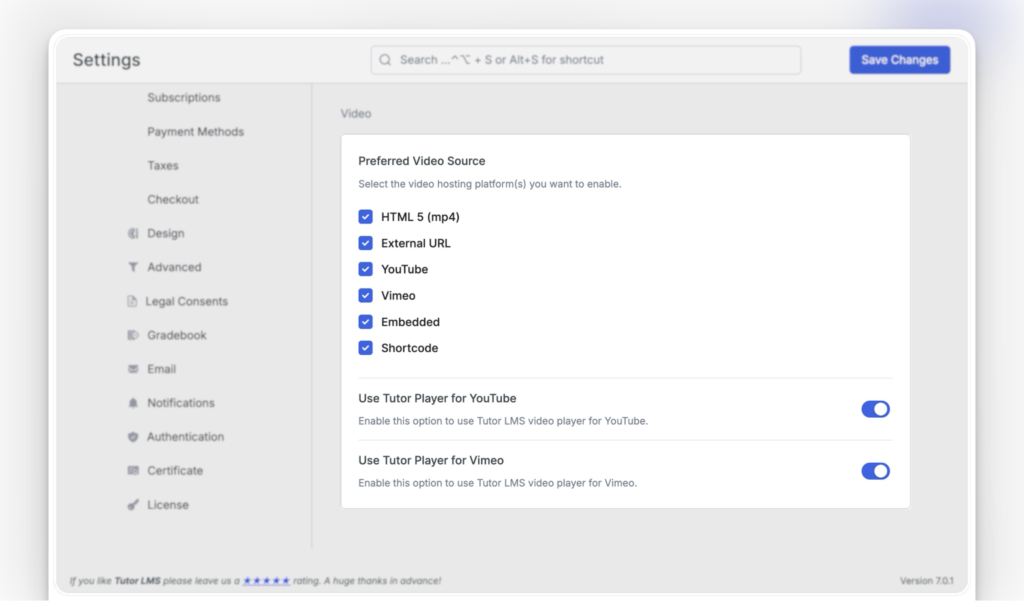
Tutor LMS gives you the flexibility to use video sources like YouTube, Vimeo, Bunny.net, and other external platforms. No matter where your videos are hosted, HostWP’s performance-optimized infrastructure helps reduce latency and deliver a fast, reliable streaming experience for learners around the world.
As your course library and audience grow, these optimizations become even more important. With HostWP’s performance-focused infrastructure, you can deliver a more reliable learning experience to learners wherever they are.
- Handling Concurrent Learners and Multiple Instructors
LMS traffic isn’t always predictable. It spikes during new course launches, live classes, scheduled quizzes, and enrollment periods, which can bring hundreds of learners online at the same time. It’s also common for multiple instructors to manage courses simultaneously. This causes concurrent sessions to hit the database at the same time.
This is where cheap hosting breaks first, not on total traffic, but on concurrency. Database connections run out. PHP workers get overwhelmed. Everything slows down at once, right when it matters the most.
HostWP.io is built to handle these high-concurrency workloads. Its scalable cloud infrastructure is designed for the traffic patterns common to Tutor LMS websites.
- Reliable Infrastructure for Selling Tutor LMS Courses
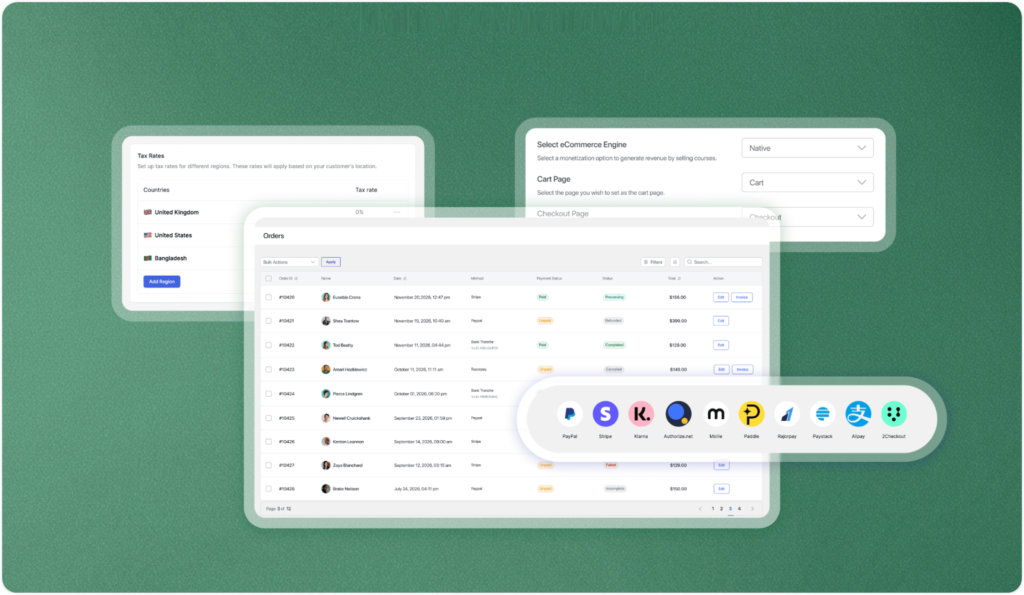
If you’re selling courses through WooCommerce, or through Tutor LMS’s own native eCommerce, your website needs to perform when it matters most: at checkout. The same applies if you’re running a multi-instructor marketplace or offering membership & subscription plans, since renewals, recurring payments, and order processing happen continuously in the background.
A slow course page may test a buyer’s patience, but a failed checkout can cost you the sale. During promotions or course launches, cart sessions, payment requests, and order processing all happen within seconds. HostWP’s eCommerce-friendly servers are highly optimized for dynamic transactions. Thus, your checkout stays fast, reliable, and ready to convert more visitors into customers.
- Database Performance for Course Progress, Certificates, and Large Learner Bases
Every completed lesson, quiz attempt, issued certificate, and progress update creates new database activity. As your platform grows, so does the amount of data your LMS needs to process behind the scenes.
This is a different kind of scale than most WordPress sites deal with. Ten thousand students isn’t just ten thousand pages, it’s millions of individual progress records. Storage speed and query performance become bottlenecks as a course catalog grows from one flagship course to a full curriculum, with reporting across the entire curriculum. So, you’ll need the best LMS hosting to fix these issues.
- Security for Student Data and Payments
An LMS collects more sensitive data than a typical WordPress site. Names, emails, payment details, sometimes certifications tied to a student’s real identity and career.
That raises the bar beyond “install a security plugin”. It needs real-time malware scanning and a web application firewall catch threats before they reach your site. Account isolation prevents one compromised account on shared infrastructure from becoming everyone’s problem. DDoS protection matters most during your most visible moments, launches and sales, which are exactly when attacks are most likely and most damaging.
- Backups and Staging for Safe Updates
Losing a day of blog content is annoying. Losing a day of enrollment and progress data is a business problem, students, refunds, and trust are all at stake.
HostWP’s automatic offsite backups with one-click restore give you a reliable way to recover if something goes wrong. A staging environment is just as important, allowing you to test Tutor LMS updates, new features, theme changes, or plugin updates without affecting your live website.
With backups and staging built into your hosting, you can make changes with confidence while keeping your eLearning platform running smoothly for your learners.
- Support Agents who Understand Tutor LMS Sites
When something goes wrong on an LMS, the issue is rarely generic. It could be a plugin conflict affecting enrollments, a caching rule interfering with learner progress, or a quiz that isn’t behaving as expected.
That’s why LMS-specific support matters. A team that understands Tutor LMS can identify and resolve these issues much faster than general WordPress support, reducing downtime and helping you get back online quickly.
For developers, features like WP-CLI and SSH access provide even more control for troubleshooting, maintenance, and site management.
With HostWP’s Tutor LMS hosting, you’re supported by a team familiar with the unique demands of Tutor LMS, so you’re not starting from scratch every time an issue arises.
Why Choose HostWP’s Dedicated Tutor LMS Hosting
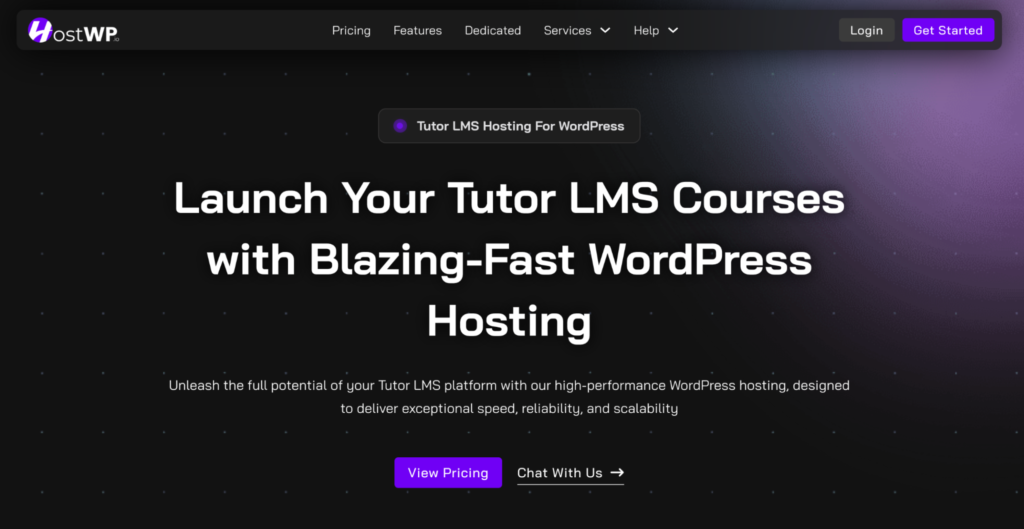
As your eLearning platform grows, so do the demands on your hosting. More learners mean more concurrent logins, quiz attempts, assignment submissions, progress updates, and database activity happening at the same time. That’s where many standard WordPress hosting plans begin to struggle.
HostWP’s dedicated Tutor LMS hosting is built with this growth in mind. Its scalable infrastructure is designed to handle increasing learner activity without sacrificing performance, helping your platform stay fast and responsive as your audience expands.
Whether you’re teaching hundreds of learners today or planning to reach thousands tomorrow, HostWP gives you the flexibility to scale with confidence, without the hassle of migrating to a new hosting environment when your courses take off.
A Practical Checklist
While choosing a hosting service for Tutor LMS, always look for:
- Fast PHP execution and NVMe storage, not just fast static page loads
- Object caching that handles logged-in, personalized content correctly
- A CDN with genuinely global coverage for video delivery
- Infrastructure built to absorb concurrency spikes, not just average traffic
- PHP limits and caching rules that account for WooCommerce checkout
- Real security: WAF, malware scanning, account isolation, DDoS protection
- Automatic backups with a real restore process
- Staging environments for safe testing
- Support that’s actually seen WordPress LMS issues before
Final Verdict
Hosting isn’t the exciting part of running a course business. But, choosing the right hosting keeps your platform fast, reliable, and responsive for both instructors and learners as your business grows.
Tutor LMS gives you everything you need to build, sell, and manage courses, from drag-and-drop course creation and AI Studio to native eCommerce, memberships, and detailed progress tracking. Pairing it with hosting that’s built specifically for LMS websites helps you get the most out of that investment.
HostWP is designed for Tutor LMS from the ground up. With LMS-optimized performance, smart caching, scalable infrastructure, and built-in security, it provides everything you need to run your eLearning platform with confidence.
If you’re looking for hosting that grows with your courses, learners, and business, HostWP is built for the job.