



As we all know, before making their own website, most people first look at other websites. A common question they ask is: which CMS is this website built with?
This is because building a website is not as simple as it looks. Choosing the right CMS (Content Management System) is very important. After that, you also need to pick the right theme, plugins, and other tools to make your website work well.
Instead of trying hundreds of options yourself, a smart way is to check what popular and successful websites are using. This helps you to narrow down the options and see which CMS, themes, and plugins really work. Since websites do not show this information openly, a CMS detector tool helps you quickly find out which CMS a website is built on.
What is a CMS?
A CMS (Content Management System) is software that helps people build and manage a website easily. You don’t need to know coding or have any technical background to use it. Even beginners can create a website, add pages, write content, and update things without any difficulty.
WordPress is one of the best examples of a CMS. It makes website creation simple for everyone. You can change the design using themes, build pages with website builders, and add extra features with plugins like Rank Math, WPForms, and many others. This is why CMS platforms are so popular today.
What is a CMS Detector?
A CMS detector is an online tool that helps you find out which content management system (CMS) a website is using. For example, it can tell you whether a site is built with WordPress, Shopify, Joomla, or another platform.
You just have to enter the website URL, and the tool quickly checks the site’s code and structure to give you the result. You don’t need any technical knowledge to use it.
Some CMS detector tools also have browser extensions, they will detect software, frameworks and more whenever you visit a website. These detectors are useful for bloggers, developers, marketers, and beginners who want to learn from other websites. By knowing which CMS a successful website uses, you can make better decisions for your own site.
These tools can also show extra details like the theme, plugins, or technologies used, which helps you understand how a website is built in real life.
Let’s take a deep dive into the best CMS detectors and understand how they reveal a website’s platform.
Discover The Best CMS Detectors
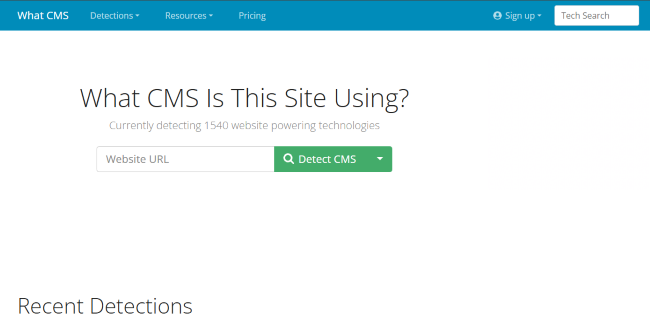
1- WhatCMS
WhatCMS is a simple and easy-to-use online tool that helps you find out which CMS a website is using. You just enter the website URL, and within seconds, it shows whether the site is built on WordPress, Joomla, Drupal, Shopify, or another platform.
It supports many different content management systems, which makes it useful for beginners, bloggers, developers, and marketers. If you want a quick and basic answer about the technology behind a website, WhatCMS is a fast and reliable option.
2-CMS Detect
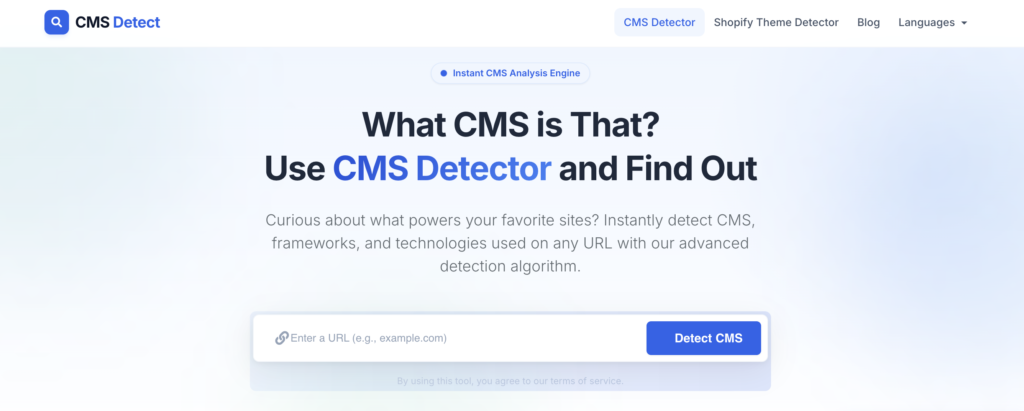
CMS Detect instantly identifies over 400+ CMS types, frameworks, and e-commerce platforms instantly. Beyond popular systems like WordPress and Shopify, it detects e-commerce solutions like BigCommerce and PrestaShop, frameworks like Laravel, and website builders including Wix, Squarespace, and Weebly. It even includes a specialized Shopify theme detector, making it particularly useful for analyzing competitor stores.
The tool is free with zero registration required, plus a free Chrome extension for on-the-go detection. Having analyzed over 5 million websites, CMS Detect is ideal for developers, business owners, marketers, and SEO professionals who need to quickly identify a wider range of technologies. If you want more comprehensive detection beyond basic CMS names, CMS Detect is a strong alternative to WhatCMS, BuiltWith, and Wappalyzer.
3- Wappalyzer
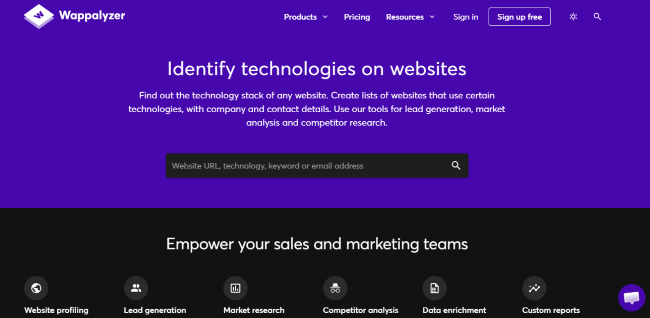
Wappalyzer is a popular tool that helps you find out what technology a website is using. It is mostly used as a browser extension for Chrome and Firefox, so when you visit any website, it can instantly show details like the CMS, theme, plugins, analytics tools, and even the hosting provider.
It is very useful for developers, marketers, and website owners who want deeper information, not just the CMS name. The tool is easy to use and works in the background while you browse, making it a powerful option for checking the full tech stack of any website.
4- W3Techs – Site Info
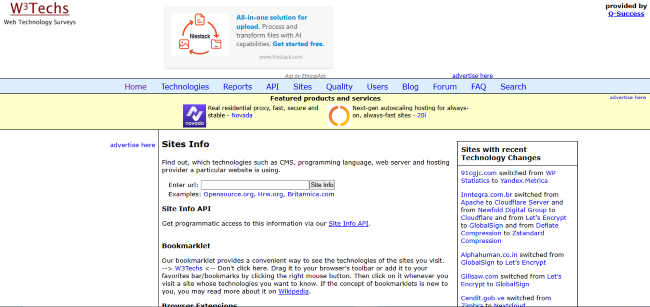
After checking tools like WhatCMS and Wappalyzer, you can also try W3Techs. This tool does more than just tell you the CMS name. When you enter a website URL, it shows useful details about the technologies used on that site. It can tell you the content management system, server information, and other technical data.
What makes W3Techs interesting is that it also shares real statistics about how popular different CMS platforms are. For example, you can see how many websites are using WordPress compared to other systems. So, it is not only helpful for checking a single website, but also for understanding which platforms are trending in the online world.
5- BuiltWith
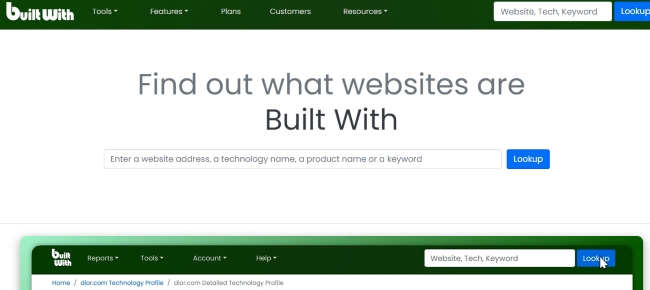
Another well-known option is BuiltWith. This tool https://builtwith.com/is more detailed and gives you a full breakdown of the technologies used on a website. You just enter the website URL, and it shows the CMS, hosting provider, analytics tools, tracking scripts, and even marketing tools running in the background.
BuiltWith is especially useful for marketers, developers, and agencies who want deeper insights. It does not only tell you the platform name, but also shows many technical details that help you understand how the website is built. If you want complete information instead of just a simple CMS result, BuiltWith is a strong and reliable choice.
6- IsItWP
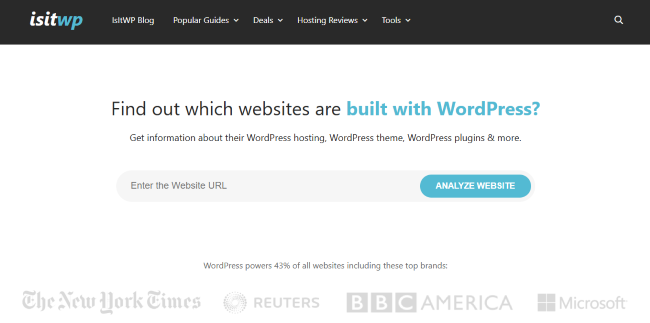
This tool is specially made to check whether a website is built with WordPress or not. You simply enter the website URL, and it quickly tells you if the site is using WordPress.
IsItWP can also give extra details like the theme and some plugins being used on the website. It is very simple and beginner-friendly. If your main goal is to check WordPress sites, IsItWP is a very useful tool built by a WordPress company known as AwesomeMotives
7- Netcraft – Site Report
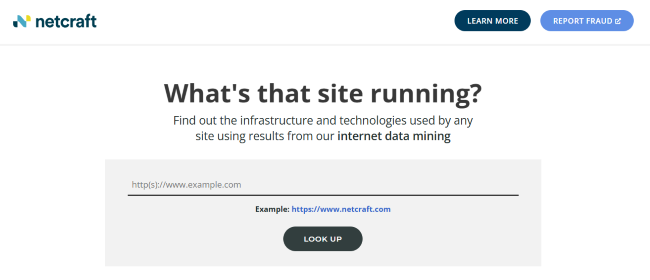
After tools like IsItWP and Wappalyzer, another useful option is Netcraft Site Report. This tool gives you detailed information about a website’s technology and security. When you enter a website URL into Netcraft Site Report, it shows you things like the server type, hosting provider, SSL details, and sometimes the CMS information too.
Netcraft is not just a CMS checker; it gives a broader look at how a website is built and how it performs technically. This makes it helpful for developers, website owners, and security-aware users who want deeper insights. If you want more than just the CMS name and want to check hosting and technical setup as well, Netcraft Site Report is a good tool to use.
How to Detect CMS Manually Without Using a CMS Detector
Besides using CMS detector tools, there are other ways to figure out which CMS a website is using. For popular platforms like WordPress, Joomla, and Drupal, it’s usually easier, but many other CMSs hide their details, making it harder to detect.
For example, WordPress sites often have a default footer text that says Powered by WordPress. Many site owners remove or hide this for security reasons, since WordPress is very common and can be a target for hackers looking for vulnerabilities in themes or plugins.
Other CMSs, like Joomla, sometimes show a small icon (favicon) in the browser tab that gives a clue. You can also check the source code of the website. By pressing Ctrl+U and then searching (Ctrl+F) for certain keywords, you may find hints about the CMS.
Similarly, using Inspect Element and looking at file URLs can give clues about the platform behind the site.
However, these methods can take time and might not always give a clear answer.
That’s why CMS detector tools are so useful, they make it fast and simple to find out exactly which CMS a website is built on.
Conclusion
Finding out what CMS a website uses is easier than it seems. The best CMS detectors like WhatCMS, CMSDetect, Wappalyzer, W3Tech, BuiltWith, IsItWP andNetcraft Site Report help you quickly see which platform, theme, or plugins a site is using.
These tools save your time and make the process simple.
Also, if you have your own WordPress site, using a reliable host like HostWP.io can make everything faster, safer, and easier to manage. With good hosting and the right CMS tools, running a website becomes much simpler and stress-free.