



The WordPress LMS space has changed significantly over the last year.
LearnDash has long been one of the most recognized LMS plugins for WordPress, especially for creators, agencies, universities, and membership site owners building online courses. However, after StellarWP products were consolidated under Liquid Web, many long-time LearnDash customers have started asking questions about pricing, product direction, account management, and future development priorities.
This follows a broader pattern affecting several former StellarWP brands, including Kadence, The Events Calendar, Restrict Content Pro, and SolidWP, where standalone brands and websites were either merged or restructured under the Liquid Web ecosystem.
For some customers, this is not necessarily a technical issue. LearnDash still works and remains a capable LMS plugin. The concern is more strategic: customers who originally purchased into a focused WordPress product now find themselves inside a much larger hosting and software ecosystem with different priorities, branding, and upsell flows.
As a result, many course creators and WordPress professionals are now exploring LearnDash alternatives that offer better pricing, simpler ownership models, more predictable licensing, or a more focused product roadmap.
Why Your Course Platform Matters for Business Growth
The tool you use to host your courses is the foundation of your online school. If the platform is hard for students to use, they may not finish your course or recommend it to others. Low-tech professionals need a system that works right out of the box without needing constant updates or custom code. A good LMS does more than just host videos. It creates a professional environment where students feel supported and engaged.
When you look for LearnDash Alternatives, you are looking for a partner in your business. Some of these tools focus on design, making your site look like a professional academy. Others focus on the business side, helping you manage memberships and recurring payments. By selecting a specific tool that matches your teaching style, you can spend less time on technology and more time growing your online presence.
Comparison Table
| LMS Plugin | Best For | Starting Price | Best Feature |
| MasterStudy LMS | Professional academies | $149/year | Mobile app + full LMS suite |
| Creator LMS | Individual creators | $139.99/year | Lightweight modern LMS |
| LearnPress | Budget users | $210/year | Modular addon ecosystem |
| MemberPress | Membership businesses | $399/year | Courses + memberships |
| LifterLMS | Advanced educators | $398/year | Student engagement tools |
| FluentCommunity | Community-based learning | $199/year | Private learning communities |
| SureMembers | Content restriction + memberships | $99/year | Lightweight membership control |
1. MasterStudy LMS
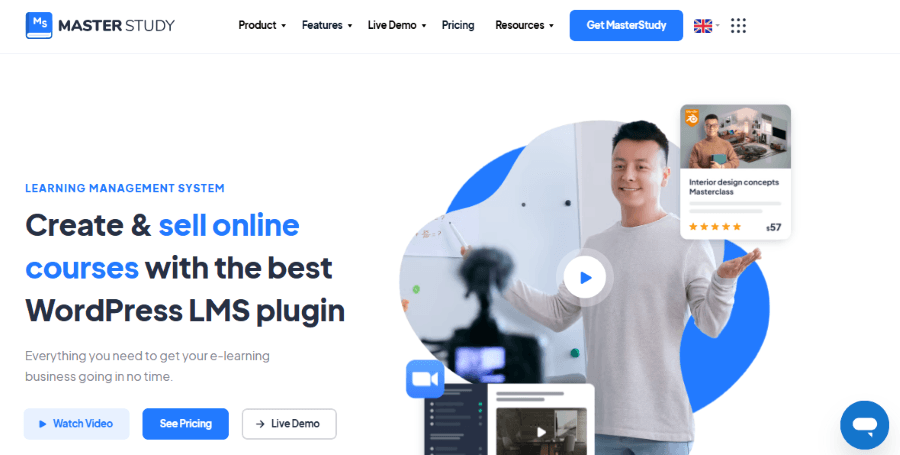
MasterStudy LMS has become one of the strongest alternatives for users who want a complete LMS ecosystem without assembling multiple plugins.
MasterStudy is a product of StylemixThemes, a development agency that has been active in the WordPress community for over fifteen years. The company is led by Igor Shevchenko, who started the firm with a vision to create high-quality, niche-specific solutions for business owners. Based in Ukraine, StylemixThemes has built a reputation for providing deep customer support and constant updates. They entered the LMS market after seeing that many educators struggled to make their websites look professional without hiring expensive designers.
The MasterStudy LMS plugin is a complete system that turns any WordPress website into a high-end educational hub. It includes a user-friendly course builder that allows you to see your progress as you create lessons. The plugin comes with built-in features for quizzes, assignments, and student management. It is unique because it offers a companion mobile app that allows your students to learn on the go. This makes it a top choice for those who want a modern and polished look for their digital academy.
Key Features of MasterStudy LMS
- Front-End Course Builder: You can create and edit your courses directly from the front of your website, making the process much faster.
- Interactive Quizzes: The system supports various question types, including multiple-choice and true or false, to help you test student knowledge.
- Certificate Builder: You can design custom certificates that are automatically awarded to students when they finish a course.
- Gradebook and Points: This feature allows you to track student performance and reward them with points for completing tasks.
- Drip Content: You can choose to release lessons over time to keep your students focused and prevent them from feeling overwhelmed.
MasterStudy LMS Pricing Plan
MasterStudy offers a free version with basic features and premium plans for advanced tools.
- Starter: Free. This is great for testing the basic layout and features.
- Single Site: $149 per year. This plan includes all premium features and one year of updates for one website.
- 10 Sites: $299 per year. This is intended for business owners who manage multiple online schools.
- Unlimited Sites: $599 per year. This is the best choice for developers who build sites for many clients.
Who is MasterStudy For?
MasterStudy is for the professional who wants their site to look like a high-end university from day one. It is ideal if you want a beautiful design and a mobile app without doing any of the technical work yourself.
2. Creator LMS
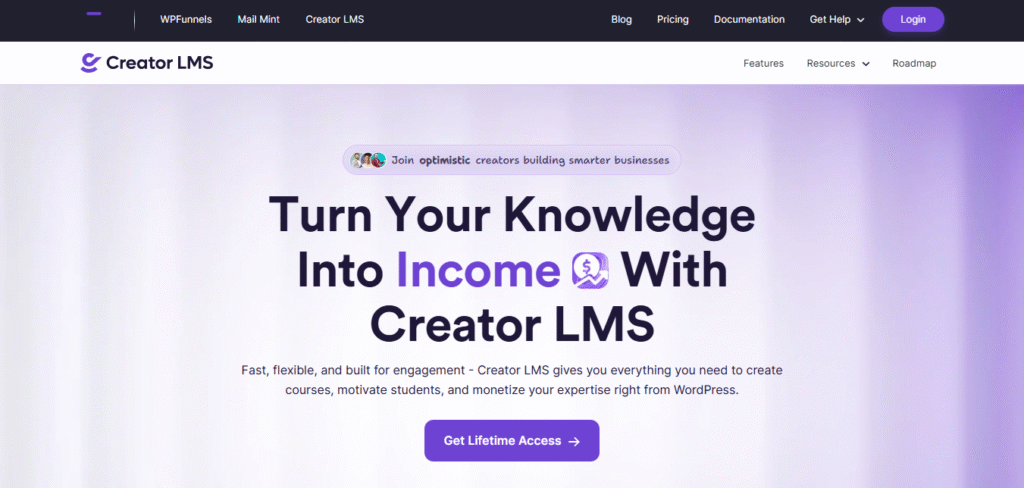
Creator LMS was developed by a team that wanted to solve the problem of “plugin bloat” in the e-learning industry. They noticed that many LMS tools were becoming too complicated and slow, which frustrated both teachers and students. The founders focused on building a tool that was lightweight and focused on speed. Their goal was to make a system that any professional could set up in less than an hour. By keeping the interface clean and simple, they created a product that prioritizes the learning experience over complex settings.
Creator LMS is built for creators who want to launch courses quickly without managing a bloated LMS stack.
Many traditional LMS plugins evolved over the years of feature additions, integrations, and legacy architecture. While powerful, they can sometimes feel overwhelming for solo creators or small businesses.
Creator LMS takes a simpler approach. The product focuses on speed, ease of setup, clean course delivery, and reducing friction between content creation and monetization.
This makes it appealing for coaches, consultants, creators, and educators who care more about selling knowledge than configuring dozens of LMS settings.
Key Features of Creator LMS
- Speed-Optimized Design: The plugin is built with modern code to ensure your lessons load instantly for every student.
- Smart Course Management: You can organize your lessons into sections and modules using a simple drag and drop system.
- Automated Enrollments: When a student buys a course, they are automatically added to the classroom without you needing to do anything.
- Simple Checkout Process: The system is designed to make buying a course as easy as possible, which helps increase your sales.
- Student Progress Tracking: You can see exactly which lessons each student has completed and where they might be getting stuck.
Creator LMS Pricing Plan
Creator LMS offers straightforward pricing based on how many sites you need to manage.
- Starter: $139.99 per year.
- Pro: $199.99 per year.
- Business: $399.99 per year.
- Agency: $599.99 per year.
Who is Creator LMS For?
This tool is for the entrepreneur who wants to avoid technical headaches. If you want a fast, simple, and effective way to sell your knowledge, Creator LMS is an excellent choice.
3. LearnPress
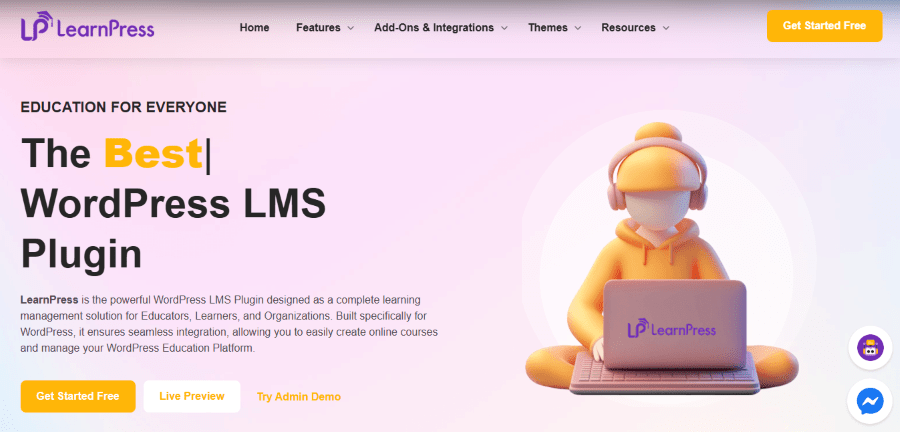
LearnPress is the flagship product of ThimPress, a team of developers based in Vietnam. The company is led by founder Huy Thim, who has been a major contributor to the WordPress community for many years. ThimPress is known for creating some of the most popular educational themes on the market. Their philosophy is to provide a powerful core tool for free and then allow users to pay for only the extra features they need. This modular approach has made LearnPress one of the most downloaded LMS plugins in the world.
LearnPress is a versatile and cost-effective solution for anyone building an online school. Because the main plugin is free, it is very accessible for people who are just starting out. You can add features like certificates, gradebooks, or specific payment options as your business grows. The tool is designed to work well with any WordPress theme, giving you the flexibility to design your site however you like. It is a reliable partner for those who want a system that can scale from a small blog to a large school.
Key Features of LearnPress
- Modular Add-on System: You only install the features you need, which keeps your website lean and easy to manage.
- Support for Multiple Instructors: You can allow other people to teach on your site and manage their commissions automatically.
- Detailed Analytics: The plugin provides reports on how many students are enrolled and how much revenue you are making each month.
- Works with Any Theme: You do not need a special theme to use LearnPress, as it adapts to your existing website design.
- Regular Updates: The team at ThimPress frequently releases new features based on feedback from their large community.
LearnPress Pricing Plan
The core LearnPress plugin is free. To get the most out of it, you can buy a bundle of premium add-ons.
- Core Plugin: Free. This includes basic course creation and student management.
- LearnPress Semi-Pro Bundle: $210. This includes a selection of important add-ons for a professional school.
- LearnPress Pro Bundle: $710. This gives you every add-on the company offers for one year of updates.
Who is LearnPress For?
LearnPress is for the budget-conscious professional who wants a flexible system. It is also a great choice if you want to allow other teachers to host courses on your website.
4. MemberPress
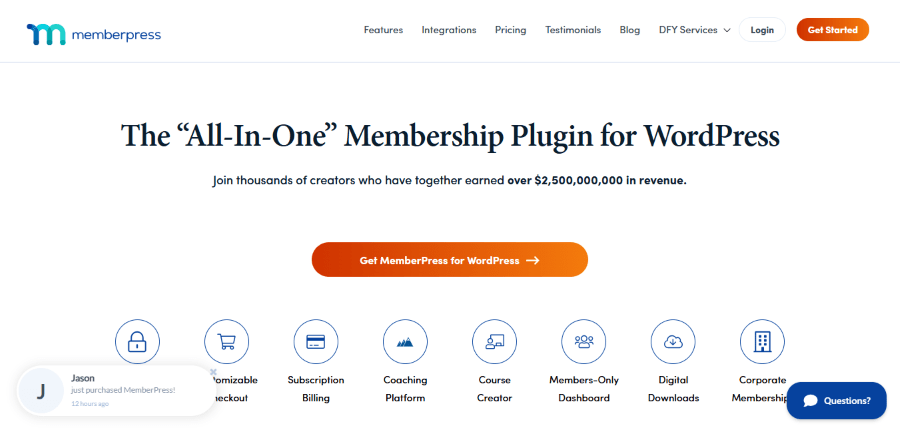
MemberPress is not just an LMS. It is one of WordPress’s strongest membership and subscription platforms. This makes it especially attractive for businesses selling recurring memberships, gated communities, premium content libraries, or hybrid course products.
MemberPress is owned by Caseproof, a company founded by Blair Williams. Blair is a veteran developer who wanted to help people build stable, recurring income through membership sites. Based in the United States, MemberPress has grown to become one of the most trusted names in the WordPress world. The team believes that selling access to content is the best way to grow an online business. They eventually added a dedicated “Courses” feature to make it a complete solution for anyone who wants to teach online.
MemberPress is unique because it is a membership plugin first and an LMS second. This means it is incredibly powerful at handling subscriptions and protecting your content. The “Courses” feature allows you to build a classroom environment without needing any extra software. It is famous for its “Classroom Mode,” which automatically designs your courses to look professional. It is a stable and secure choice for business owners who want to combine their courses with a community or a subscription model.
Key Features of MemberPress
- Classroom Mode: This feature handles the design of your courses for you, ensuring they look great on all screen sizes.
- Robust Content Protection: You have total control over who can see your lessons based on their membership level.
- Subscription Management: The tool makes it easy to set up recurring payments, trials, and coupon codes.
- Email Marketing Integration: You can automatically connect your students to tools like Mailchimp or ConvertKit to stay in touch.
- Automated Tax Handling: MemberPress can help you calculate and collect taxes based on where your students live.
MemberPress Pricing Plan
MemberPress uses a yearly subscription model that includes support and regular security updates.
- Basic: $399 per year.
- Plus: $699 per year.
- Pro: $999 per year.
Who is MemberPress For?
MemberPress is for the professional who wants a long-term subscription business. If you plan to sell memberships that include courses, community access, and digital downloads, this is the best tool for you.
5. LifterLMS
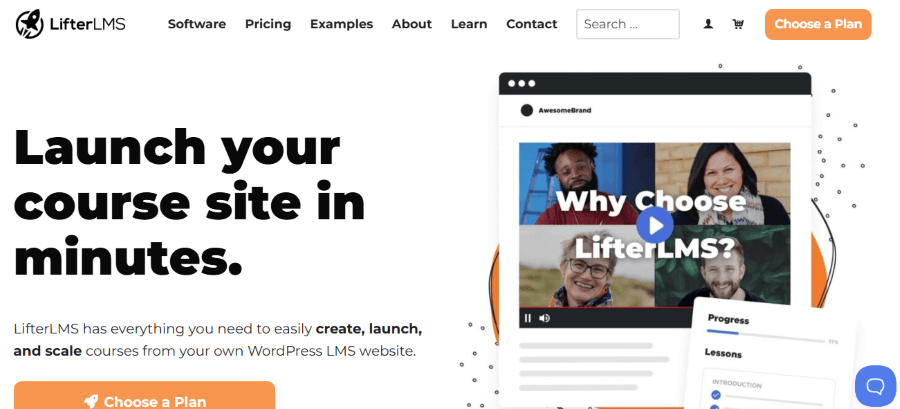
Compared to simpler LMS plugins, LifterLMS offers more advanced academic features including achievements, certificates, progression rules, quizzes, and automation triggers. It is often favored by serious educators building long-term programs, certifications, or structured educational journeys.
LifterLMS was founded by Chris Badgett and Thomas Levy. Chris is an educator who has spent his career teaching both online and offline. He built LifterLMS because he felt that most other tools focused too much on technology and not enough on the student experience. Based in the United States, the company is built on the idea of helping people create “high-value” online courses. They provide a massive amount of free training to help their users become better teachers and successful business owners.
LifterLMS is an all-in-one platform that focuses on student engagement and course completion. It includes features that reward students for their hard work, such as achievement badges and personalized emails. The tool is designed to replace several different plugins by handling memberships, courses, and e-commerce in one package. It is a very deep and powerful system that allows you to create complex learning paths. This makes it a standout choice among LearnDash Alternatives for those who want a high-end educational experience.
Key Features of LifterLMS
- Visual Course Outline: You can see your entire course structure on a single page, making it easy to rearrange lessons.
- Engagement Triggers: The system can automatically send emails or award badges when a student reaches a specific milestone.
- Social Learning: You can create areas where students can interact with each other and help one another learn.
- Detailed Quizzing: The tool supports advanced quiz features like timers and the ability to upload files for review.
- Custom Graphics: LifterLMS provides a library of icons and graphics to help you make your course content more visually appealing.
LifterLMS Pricing Plan
LifterLMS offers a flexible pricing model where you can buy individual features or a complete bundle.
- Earth Bundle: Starting at $398 per year.
- Universe Bundle: $598 per year. This includes essential add-ons for five websites.
- Infinity Bundle: $1,598 per year. This plan includes every feature, advanced support, and access to a private group for successful creators.
Who is LifterLMS For?
LifterLMS is for the serious educator who wants to build a complete online university. It is the best choice for those who want to focus heavily on student results and community building.
6. FluentCommunity
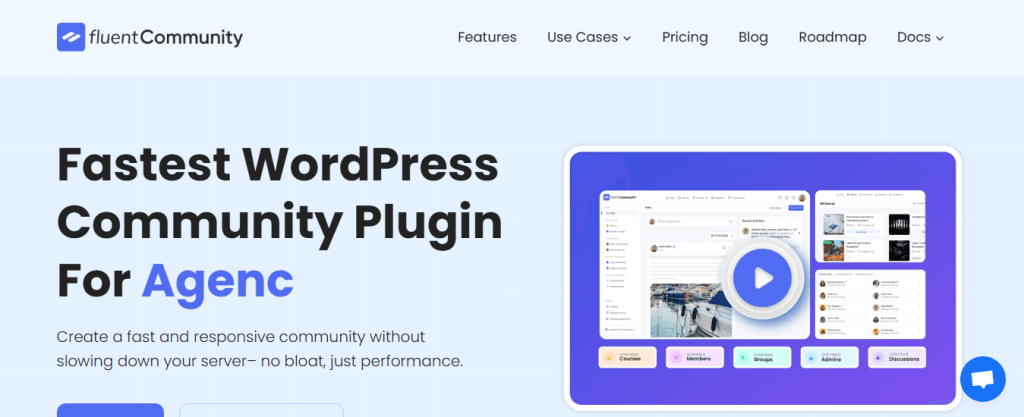
Not every course business needs a traditional LMS.
In many cases, communities outperform standalone course portals because students remain engaged longer, ask questions, network, and consume content continuously.
FluentCommunity is designed specifically for private communities, cohort learning, mastermind groups, and creator memberships.
For creators selling knowledge communities rather than rigid course structures, this can be a smarter model than a traditional LMS.
Key Features
- Private communities
- Group discussions
- Member profiles
- Content feeds
- Community engagement
FluentCommunity Pricing
- Single Site License: $199/year
- 5 Sites License: $399/year
- 15 Sites License: $699/year
Best for
Community-led education businesses.
7. SureMembers
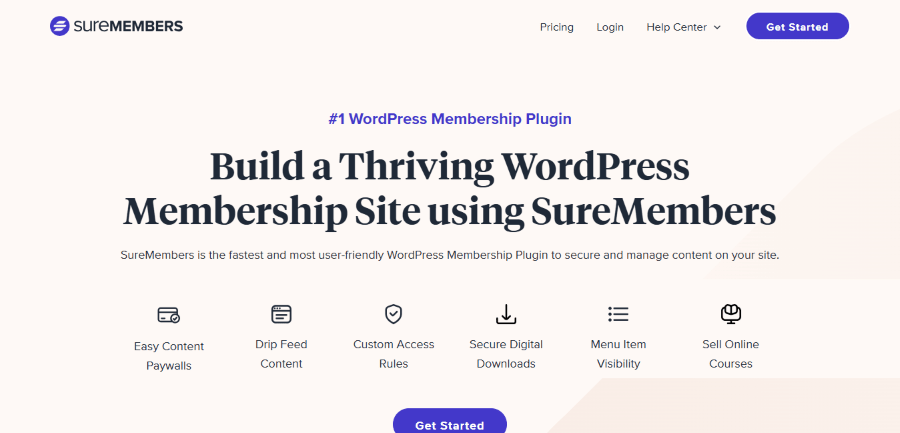
SureMembers is a lightweight membership and content restriction plugin that pairs well with course builders or protected content businesses.
Instead of acting as a full LMS, it focuses on access control, memberships, gated resources, and protected content delivery.
This is useful for creators selling resource libraries, premium lessons, downloads, or members-only training portals.
Key Features
- Content restriction
- Membership tiers
- Drip content
- User access rules
SureMembers Pricing
- Starter: $99/year
- Pro: $199/year
- Business: $299/year
Best for
Membership content businesses.
The Cost of Technical Debt in Online Education
Choosing a high-quality LMS is an investment in your business efficiency. When you use one of these professional products, you are paying for reliability. These companies have teams of experts who make sure their code is safe and up to date. This means you do not have to worry about your site crashing during a big sale or students being unable to log in to their lessons.
If you choose to use a cheap or poorly made tool, you may face high hidden costs. A slow website can frustrate your students and lead to more refund requests. If your site is hacked because of a security hole in an unmaintained plugin, you could lose all your hard work and your customer data. Managing these problems takes time and money that would be better spent on creating new content. By using a trusted alternative, you gain the peace of mind needed to focus on your actual work.
Concluding Remarks
LearnDash remains a capable LMS plugin, but the recent Liquid Web ecosystem changes have made many customers reconsider long-term platform decisions.
For some, the issue is not functionality but confidence. When pricing, branding, account systems, and product ownership change, businesses naturally start evaluating alternatives.
Fortunately, WordPress has a strong LMS ecosystem with several mature alternatives depending on your goals.
If you want a complete academy platform, MasterStudy LMS is one of the strongest LearnDash replacements available today.
If your focus is on memberships and subscriptions, MemberPress is difficult to beat.
If you want simplicity and speed, Creator LMS and LearnPress remain excellent options.
And if your business is built around communities or gated memberships, FluentCommunity and SureMembers are increasingly attractive modern alternatives.