A lead comes through your WordPress form or other sources. The details land in an inbox, follow-up happens over email, the deal value sits in a spreadsheet, and the invoice lives somewhere else. Nothing is broken, but the process is already harder to follow than it should be.
That setup may work when you only have a few customers. But as leads, follow-ups, payments, and team activity increase, information starts living across different tools.
A good WordPress CRM plugin should bring those moving parts together without becoming another system your team has to babysit. The important part is choosing the right kind of CRM. A sales team, an email-heavy business, and a freelancer managing clients do not need the same thing.
The shortlist gets easier once you stop asking “Which CRM has the most features?” and ask “What job do I need it to do?” Bit CRM is the most sales-focused WordPress option here. FluentCRM and Groundhogg suit email-led workflows, Jetpack CRM simplifies client service, and Zoho CRM suits teams that want the CRM outside WordPress.
What Matters When Choosing a WordPress CRM?
Feature lists are useful, but they are a poor way to choose a CRM on their own. Start with the workflow. Where does a lead enter? Do you need deal stages? Who follows up? Do invoices matter? Which forms, ecommerce tools, or email systems must connect? Then look at pricing and data ownership.
These tools share the CRM label but solve different problems. FluentCRM and Groundhogg lean toward marketing automation, Jetpack CRM toward client management, Bit CRM toward sales operations, and Zoho CRM toward cloud-based sales management.
How We Compared These WordPress CRM Plugins
We compared workflow, WordPress integration, automation, billing, pricing, and business fit.
We also looked at what each CRM is built to do, because a sales CRM, marketing CRM, and client-management CRM shouldn’t be judged by the same feature checklist.
Where features or pricing are plan-specific, we treated those limits separately instead of presenting paid capabilities as part of the core product.
Quick Comparison: Best WordPress CRM Plugins in 2026
| CRM | Best For | Inside WordPress? | Main Strength | Starting Paid Price* |
| Bit CRM | Sales pipelines and invoicing | Yes | Lead-to-invoice sales workflow | $169 one-time, 1 site |
| FluentCRM | Email marketing automation | Yes | Campaigns, sequences, segmentation | $129/year, 1 site |
| Jetpack CRM | Freelancers and client services | Yes | Contacts, quotes, invoices, transactions | $11/month billed yearly |
| Groundhogg | Marketing funnels | Yes | CRM, email, flow automation | $20/month billed yearly |
| Zoho CRM | Larger sales teams | No | Mature cloud CRM | $14/user/month billed yearly |
*Pricing checked in September 2026. Promotions and plan details can change.
1. Bit CRM: Best for WordPress-Native Sales Management
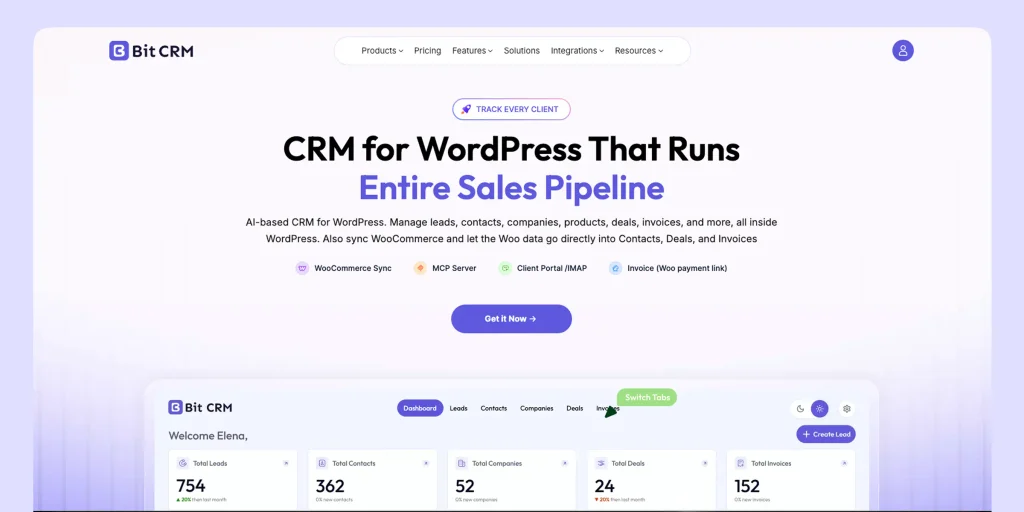
Bit CRM feels different from the marketing-first tools in this list because it starts with the sales process, not the mailing list.
The useful part is the way records connect. A prospect can start as a lead, become a contact tied to a company, move into a deal, carry products or services, and eventually reach invoicing. Tasks, meetings, calls, notes, attachments, email, and activity history stay attached to the relevant CRM record instead of becoming separate fragments.
That makes the most sense for businesses where the website is already close to the sales process: agencies, consultants, B2B teams, service companies, and WooCommerce stores. If the real need is newsletters and nurture campaigns, though, better-shaped tools appear on this list.
Key Bit CRM Features
- Leads, contacts, companies, deals, products, and invoices
- Kanban and list deal views with customizable stages
- Tasks, meetings, calls, notes, attachments, email, and timelines
- Native workflow automation with conditions, delays, emails, record updates, and webhooks
- Client portal with configurable access
- WooCommerce sync and WooCommerce products inside deals and invoices
- FluentCart customer sync and line items (Pro)
- Recurring invoices and a CRM calendar (Pro)
- Custom fields, tags, filters, imports, exports, permissions, and field visibility
- IMAP email sync, REST API, built-in MCP Server, and Pro AI assistant
Bit CRM also includes a built-in MCP Server. It exposes 57 tools for compatible AI clients such as ChatGPT, Claude, Grok, Cursor, and Codex. Access is permission-aware, and supported tools can search CRM records, create or update data, manage activities and invoices, work with tags, and inspect workflows.
Pros
- Connects leads, deals, products, invoices, activities, and client follow-up in one WordPress sales workflow.
- Includes workflow automation, a REST API, 57 MCP tools, product line items, and client portal access.
Cons
- As a newer CRM, some specialized workflows or integrations may be worth checking in advance.
- It is more focused on sales management than on newsletter-first or bulk email workflows.
Pricing
Currently, Bit CRM offers lifetime pricing. Starter costs $169 one-time for 1 site, Plus $289 for 5 sites, and Agency $359 for unlimited sites.
Choose Bit CRM If
Agencies, service businesses, B2B teams, consultants, and WooCommerce businesses that want leads, deals, activities, products, invoices, client access, and sales automation managed inside WordPress.
2. FluentCRM: Best for Email Marketing Automation
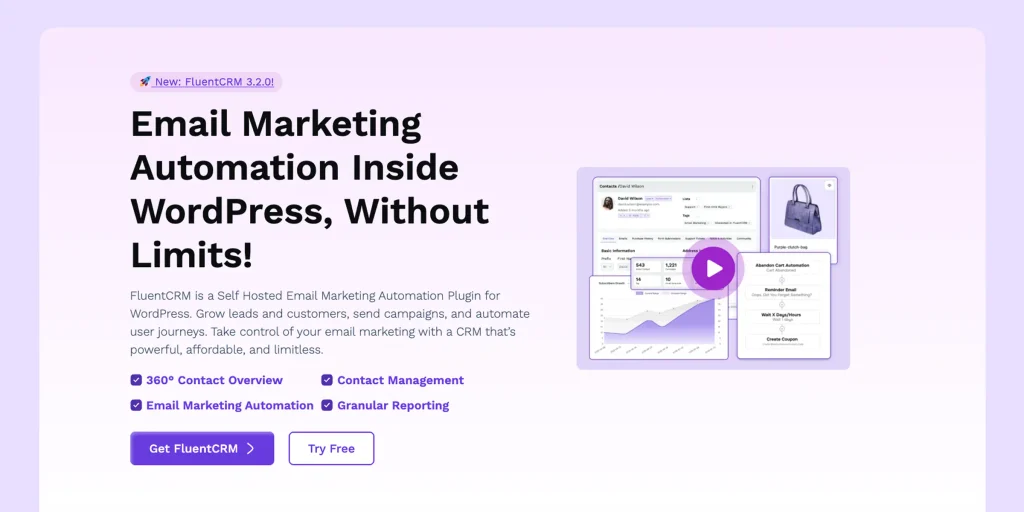
FluentCRM is technically a CRM, but in day-to-day use, its center of gravity is clearly email marketing and lifecycle automation.
Its contact database supports campaigns, segmentation, sequences, and automated journeys. You also get lists, tags, custom fields, recurring campaigns, company management, ecommerce automation, reporting, AI-assisted marketing features, and MCP tools.
That makes FluentCRM easy to place. If the questions you ask most often are “Who subscribed?”, “What did they buy?”, “Which emails have they received?”, and “What sequence should they enter next?”, it is probably closer to what you need than a traditional sales CRM.
Key Features
- Email campaigns and recurring campaigns
- Automated funnels and email sequences
- Tags, lists, custom fields, and advanced segmentation
- Contact activity and 360-degree contact views
- Company management and ecommerce automation
- AI contact summaries, AI email writing, and MCP tools
Pros
- Excellent WordPress-native email campaigns, segmentation, sequences, and automation.
- Strong fit for subscriber and ecommerce lifecycle marketing.
Cons
- Not built primarily around opportunity pipelines, deal stages, quotes, or invoicing.
- Pro uses annual licensing, and some ecommerce triggers, recurring campaigns, and advanced integrations depend on Pro.
Pricing
FluentCRM Pro starts at $129 per year for one site. Its pricing page may show temporary first-year discounts.
Choose FluentCRM If
WordPress businesses focused on email campaigns, lead nurturing, segmentation, automated sequences, and customer lifecycle marketing.
3. Jetpack CRM: Best for Freelancers and Client-Based Businesses
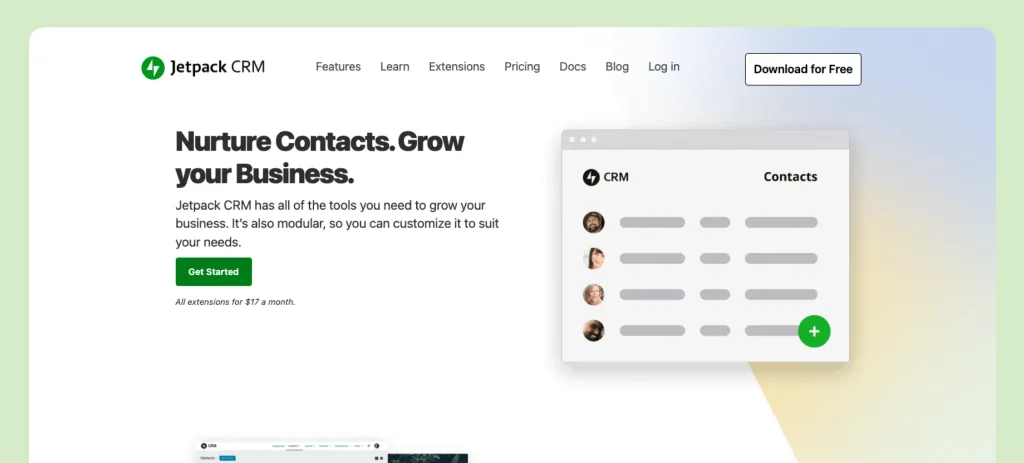
Jetpack CRM takes a simpler route. It keeps the contact record at the center, then adds the client tools many freelancers and small service businesses actually use: quotes, invoices, transactions, tasks, forms, and extensions.
For a freelancer or small consultancy, that simplicity can be a benefit. You do not necessarily need a full pipeline engine just to know who the client is, what you quoted, what they owe, and what needs to happen next. The modular extension model also means you can add WooCommerce sync, payment connections, funnels, dashboards, forms, or email integrations only when they become useful.
Key Features
- Contacts, companies, tags, filters, and custom fields
- Quotes, invoices, and transactions
- Tasks, forms, and activity history
- WooCommerce and payment integrations
- CRM funnels and sales dashboards through extensions
Pros
- Simple client management with quotes, invoices, transactions, and tasks.
- Free core with modular extensions for additional business needs.
Cons
- WooCommerce sync, advanced invoicing, funnels, and other capabilities are distributed across extensions and paid bundles.
- Quotes cannot currently be converted directly into invoices, so that handoff still requires creating a separate invoice.
Pricing
The core CRM is free. Freelancer costs $11 per month billed yearly. Entrepreneur costs $17 per month billed yearly and includes the full set of 30+ CRM extensions.
Choose Jetpack CRM If
Freelancers, consultants, and smaller service businesses that want straightforward contact management, quotes, invoices, transactions, and client tasks without a complex sales system.
4. Groundhogg: Best for WordPress Marketing Funnels
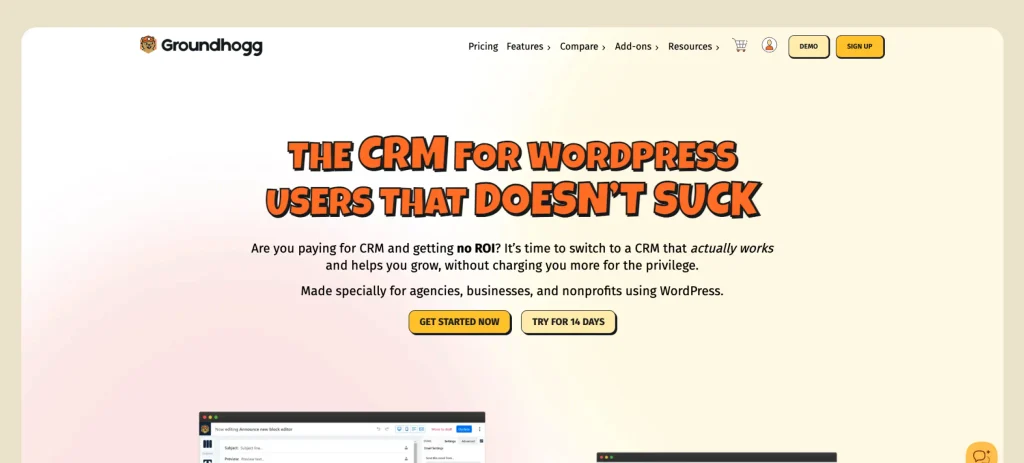
Groundhogg sits somewhere between a contact CRM and a marketing automation platform, and that overlap is really the point.
The free plugin already gives you contact management, segmentation, email campaigns, and flows. The visual builder can react to forms, purchases, WordPress user activity, and other events. As you move up the paid plans, the product expands into sales pipelines, company management, lead scoring, ecommerce integrations, SMS, and more advanced logic.
Key Features
- WordPress-native contact management
- Tags, custom fields, and advanced search
- Email broadcasts and drip emails
- Visual automation flows and analytics
- Forms and WordPress event automation
- Sales pipeline and company management on eligible paid tiers
Pros
- Combines CRM, email marketing, segmentation, and visual automation in WordPress.
- Feature-based pricing does not increase with contact count.
Cons
- Sales Pipeline, company management, and lead scoring require Plus or higher; several ecommerce and SMS integrations require Pro or higher.
- Its broad automation feature set requires more setup than a simple contact-and-client tracker.
Pricing
Groundhogg has a free core plugin. Paid plans start at $20 per month billed annually. Plus is $40, Pro $50, and Agency $100 per month, all billed annually.
Groundhogg uses feature-based pricing rather than contact-based pricing, so contact, user, flow, and email-send counts do not raise the plan price.
Choose Groundhogg If
Businesses that want CRM data, email marketing, segmentation, and visual automation funnels to run inside WordPress.
5. Zoho CRM: Best Cloud CRM Alternative for WordPress Businesses
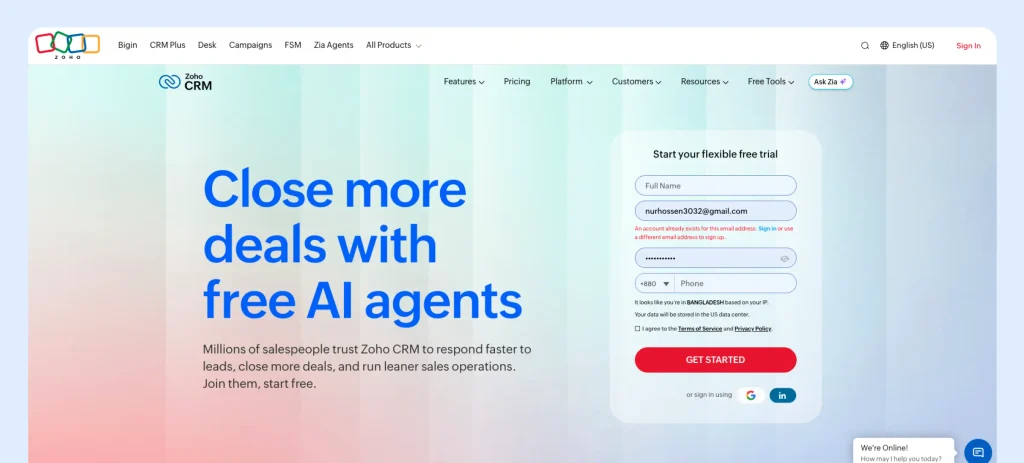
Zoho CRM is the deliberate outsider in this list. It is not a WordPress CRM plugin; it is a cloud CRM that WordPress can feed data into.
That distinction can be an advantage when the CRM needs to serve more than the website team. WordPress can send leads, form entries, or customer activity into Zoho through forms, APIs, automation platforms, or integration tools, while the sales operation continues independently in the cloud.
Zoho CRM covers the expected sales stack: leads, contacts, deals, tasks, meetings, calls, workflows, reporting, and APIs. Its larger appeal is the surrounding Zoho ecosystem, which matters more as a business starts connecting sales with other departments.
Pros
- Mature cloud CRM with broad sales, reporting, workflow, and API features.
- Useful when CRM access must extend beyond the WordPress team.
Cons
- WordPress data needs an integration layer to reach Zoho CRM.
- Per-user pricing increases as the sales team grows.
Pricing
Zoho CRM has a free edition for up to three users. With annual billing, Standard starts at $14 per user/month, Professional at $23, Enterprise at $40, and Ultimate at $52.
Choose Zoho CRM If
Teams that want a mature cloud CRM for broader sales operations and are comfortable connecting WordPress through forms, APIs, or automation tools.
Sales CRM vs Marketing CRM: Know What You Need
A sales CRM revolves around opportunities: leads, deals, stages, follow-ups, quotes, and invoices. A marketing CRM revolves around audiences: contacts, segments, campaigns, sequences, nurturing, and lifecycle automation.
Bit CRM and Zoho CRM are mainly sales-oriented, FluentCRM is marketing automation-first, Groundhogg spans both, and Jetpack CRM sits closer to client management and billing. Decide which problem you are solving first.
WordPress-Native vs Cloud CRM: Where the Difference Matters
A WordPress-native CRM keeps customer data close to forms, WooCommerce, memberships, and other site activity. That can reduce handoffs, but hosting, backups, cron reliability, security, and database performance become part of the CRM setup.
A cloud CRM can fit better when several departments need the same system or the business depends on a wider integration ecosystem. WordPress data then has to sync through forms, APIs, or automation. Choose the model that matches where your customers work.
Conclusion
No single WordPress CRM plugin is best for everyone, and that is probably the most useful takeaway from comparing these five. The right CRM fits how your business already captures leads, follows up, sells, bills, and communicates with customers.
If campaigns and lifecycle automation are central, start with FluentCRM or Groundhogg. Jetpack CRM fits practical client records and billing. Bit CRM fits when WordPress is part of the sales operation, and you need deals, invoices, activities, and client access together. Zoho CRM makes more sense when the CRM must serve a wider organization beyond the website.
Before paying for anything, sketch the workflow. Where does a lead come from? Who follows up? Do you track opportunities or just contacts? When does billing start? Which ecommerce, form, or email tools must connect? That exercise will tell you more than another hour of feature tables.
Once the workflow is clear, compare pricing, required add-ons, integrations, data ownership, hosting requirements, and the manual handoffs each option removes. A CRM earns its place when people have fewer things to remember and fewer systems to update, not when it wins the longest feature checklist.
Frequently Asked Questions
What is the best CRM plugin for WordPress?
No single CRM plugin is best for every WordPress site. Bit CRM focuses on sales pipelines and invoicing; FluentCRM on email marketing automation; Jetpack CRM on client management and billing; and Groundhogg on CRM plus marketing automation. Zoho CRM is a cloud alternative, not a WordPress-native plugin.
Can a WordPress CRM replace a separate SaaS CRM?
Sometimes. A WordPress CRM can replace a separate SaaS platform when its sales, marketing, billing, reporting, and integration features cover your workflow. Businesses with complex cross-department processes, enterprise governance, or specialized integrations may still be better served by a cloud CRM.
Can WooCommerce work with a WordPress CRM?
Yes, but the integration depth varies. Bit CRM can create or update CRM contacts from WooCommerce orders and use WooCommerce products in deals and invoices. FluentCRM supports WooCommerce automation triggers in Pro. Jetpack CRM offers one-way WooCommerce customer and transaction sync through its extension, and Groundhogg provides WooCommerce integration on eligible paid plans.
What is the difference between a sales CRM and a marketing CRM?
A sales CRM focuses on leads, deals, stages, activities, and closing opportunities. A marketing CRM focuses more on contacts, segmentation, campaigns, nurturing, and automated customer journeys.
Should I use a WordPress-native CRM or a cloud CRM?
Choose a WordPress-native CRM when most customer activity already happens on your site, and you want the data nearby. A cloud CRM can fit better when several departments need the same system, or you rely on a broader external integration ecosystem.