



That green “Message Sent Successfully” notification on your WordPress contact form is a technical half-truth.
By default, WordPress relies on the PHP mail() function to handle outgoing messages. This function only confirms that WordPress handed the email off to your web server. It has absolutely no idea if that email survived the journey, got flagged by Gmail’s aggressive spam filters, or vanished into the digital void.
For a personal hobby blog, a missed comment notification is a minor annoyance. But for an e-commerce store, a SaaS platform, or an agency managing client sites, a missing password reset, invoice, or customer inquiry is a direct hit to your revenue and brand trust.
The fix isn’t complicated: you need a dedicated WordPress SMTP plugin.
Instead of trusting your host’s default, unauthenticated mail script, an SMTP (Simple Mail Transfer Protocol) plugin intercepts your site’s emails and routes them through a verified, professional email delivery service. This adds critical authentication protocols (like SPF and DKIM) that prove to inbox providers that your emails are legitimate.
But modern SMTP plugins do much more than just bypass the spam folder. They offer email logging, fallback connections, smart routing, and instant failure alerts. Below, we break down the 5 best WordPress SMTP plugins available in 2026, exactly what they cost, and which type of website owner should use them.
What Actually Makes an SMTP Plugin Worth Using?
Before installing the first plugin you find in the repository, you need to know what separates a basic mail forwarder from a professional email management tool. When evaluating these plugins, we looked for four non-negotiable features:
- Broad Provider Support: The ability to connect seamlessly with transactional email services (Amazon SES, SendGrid, Mailgun) and standard providers (Google Workspace, Microsoft 365).
- Email Logging: A verifiable, searchable record of every email sent, opened, or failed, directly inside your WordPress dashboard.
- Fallback Connections: The ability to automatically switch to a backup email provider if your primary server experiences an outage.
- Smart Routing: The ability to send different types of emails (e.g., WooCommerce receipts vs. newsletter signups) through different providers based on custom rules.
The 5 Best WordPress SMTP Plugins Reviewed
1. GoSMTP: The Powerhouse for Advanced Email Routing
Pricing: Free basic plan; Premium starts at $39/year. (Exclusive Perk: HostWP.io users get the GoSMTP Pro version completely free with all annual Hosting plans!)
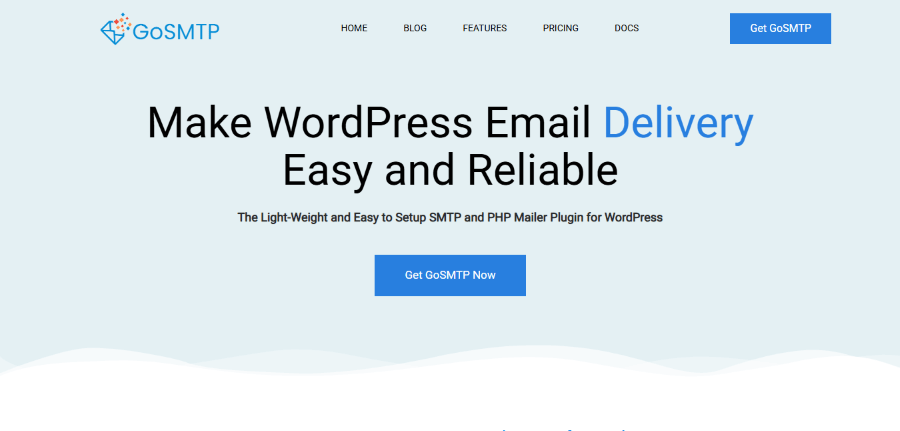
If you manage multiple client sites or run a complex WooCommerce store, GoSMTP is engineered to handle your most demanding email workflows. Developed with a focus on absolute control, it moves far beyond basic SMTP connections.
GoSMTP supports a massive roster of providers, including Amazon SES, Gmail, Microsoft 365, Brevo, Mailgun, Postmark, and Resend. However, where it truly separates itself from the competition is its Smart Routing feature. You can create conditional rules to send specific emails through different connections.
For example, you can route all high-priority WooCommerce order receipts through Amazon SES for maximum reliability, while sending low-priority newsletter signups through a free tier of Brevo.
Standout Capabilities:
- Secondary Connections: If your primary email provider experiences an outage, GoSMTP automatically fails over to your backup connection without dropping a single message.
- Deep Reporting: Paid plans include open and click-through tracking, giving you visibility into user engagement.
- The HostWP.io Advantage: While GoSMTP’s premium features normally start at $39/year, HostWP.io customers get the GoSMTP Pro version completely free. This is a massive value-add for users who want enterprise-level email management without adding another subscription to their stack. You can get the complete details about this exclusive offer here.
GoSMTP Pricing:
- Free: $0/year (Basic SMTP connections to services like Brevo, Mailgun, SendGrid).
- Personal: $39/year for 1 site (Adds logs, reports, tracking, secondary connections, and smart routing).
- Professional: $75/year for 5 sites (Same feature set as Personal, scaled for small agencies).
- Business: $200/year for 100 sites (Advanced email management for large portfolios; limited to your own sites).
2. FluentSMTP: The 100% Free Champion with Premium Features
Pricing: 100% Free. All core features, including email logging, reporting, and multiple connections, are available at no cost.
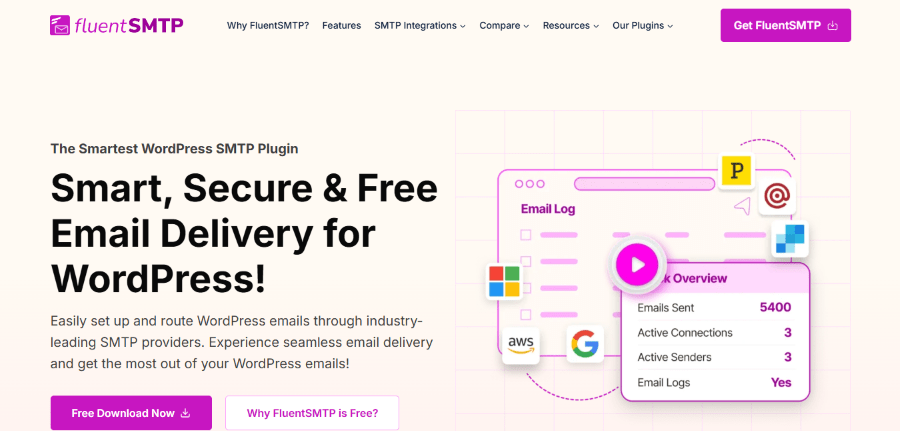
Developed by WPManageNinja, FluentSMTP has earned a cult following in the WordPress community for one simple reason: it gives away premium features for free.
Most plugins gate essential features like email logging and multiple connections behind an aggressive paywall.
FluentSMTP does not. Right out of the box, you get full email logging, delivery reports, the ability to resend failed emails, and support for multiple connections with automatic fallback.
It offers smooth integration with top providers such as Amazon SES, SendGrid, Mailgun, and Google Workspace. Featuring a clean, modern interface, it remains completely free of annoying upsells.
Standout Capabilities:
- Truly Free Core: You get logging, reporting, and fallback connections without spending a dime on a plugin license.
- Lightweight Performance: It’s built for speed and doesn’t bloat your database with unnecessary, unused code.
- Best For: Budget-conscious site owners, freelancers, and small businesses who need robust email logging and reliability without a recurring plugin subscription. (Note: You will still need an account with a third-party email delivery provider, which may have its own free or paid tiers).
FluentSMTP Pricing:
- Free: $0/year. All core SMTP connections, email logs, multiple connections, fallback features, and reporting are completely free.
3. Post SMTP: The Diagnostic Expert for Troubleshooting
Pricing: Free basic plan; Premium plans start at $59.99/year for advanced mailers, bulk resending, and priority support.
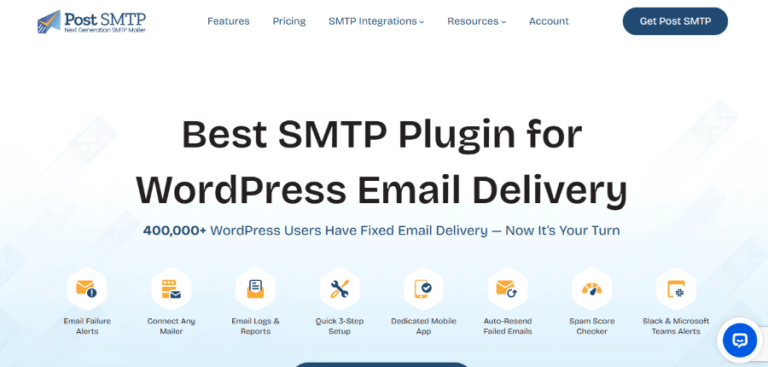
When emails fail, you need to know exactly why. Post SMTP is built from the ground up with diagnostics and troubleshooting in mind.
Unlike plugins that just attempt to send an email and hope for the best, Post SMTP actively monitors the handshake between your WordPress site and the mail server. It supports both traditional SMTP and modern API-based connections (which are often faster, more secure, and less prone to port blocking).
The plugin includes a highly intuitive setup wizard that tests your connection in real-time, ensuring your credentials and server settings are correct before you ever send a live email. If a message does fail, the detailed email log and diagnostic tools help you pinpoint whether the issue is a server timeout, an authentication error, or a blocked port.
Standout Capabilities:
- API and SMTP Support: Gives you the flexibility to use the most efficient delivery method for your chosen provider.
- Proactive Notifications: It can alert you via email or Microsoft Teams the moment a delivery failure occurs, allowing for immediate intervention.
- Best For: Developers, system administrators, and site owners who prioritize deep diagnostic tools and need to troubleshoot complex email delivery issues.
Post SMTP Pricing:
- Free: $0/year (Core SMTP functionality, logging, diagnostics, and basic provider support).
- Basic: $59.99/year (Adds Pro mailers, Gmail one-click setup, and standard support).
- Professional: $79.99/year (Adds advanced delivery, bulk resend for failed emails, and priority support).
- Business: $99.99/year (Adds Microsoft one-click setup, mobile app features, Teams notifications, and expert live assistance).
4. WP Mail SMTP: The Industry Standard for Deliverability
Pricing: Free basic plan; Premium plans start at $49/year for detailed email logs, tracking, and backup connections.
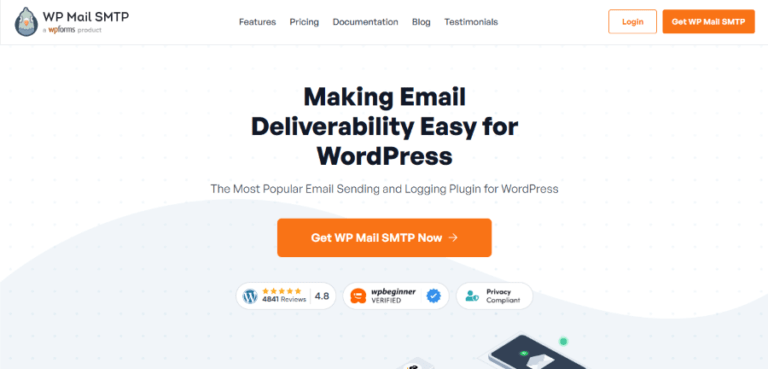
With over 4 million active installations, WP Mail SMTP is the most recognized name in WordPress email deliverability. Its popularity stems from a highly polished, beginner-friendly setup wizard that makes connecting to services like Gmail or Outlook a literal one-click process.
While the free version is excellent for basic SMTP setup, WP Mail SMTP’s real power lies in its paid tiers. The Pro and Elite plans unlock advanced email management tools, including detailed email logs, weekly summary reports, and instant failure alerts via SMS or Slack. Because of its massive market share, it integrates flawlessly with almost every major form builder, e-commerce plugin, and membership site in the WordPress repository.
Standout Capabilities:
- Unmatched Ecosystem: If a WordPress plugin sends an email, it likely has a dedicated integration with WP Mail SMTP.
- White-Glove Setup: Higher-tier plans include expert setup, where their team configures everything for you.
- Best For: Business owners and agencies who want a trusted, widely supported solution and are willing to invest in premium features like detailed tracking and backup mailers as their site scales.
WP Mail SMTP Pricing:
- Free: $0/year (Basic SMTP setup and testing).
- Pro: $49/year (Adds email logs, reports, tracking, and resend capability for 1 site).
- Elite: $99/year (Adds advanced functionality and priority support).
- Developer: $199/year (Designed for users managing multiple websites).
- Agency: $399/year (The highest-tier option for large agencies managing extensive client portfolios).
5. Easy WP SMTP: The Beginner-Friendly Gateway to Secure Email
Pricing: Free basic plan; Premium plans start at $49.50/year for smart routing, failure alerts, and advanced reporting.
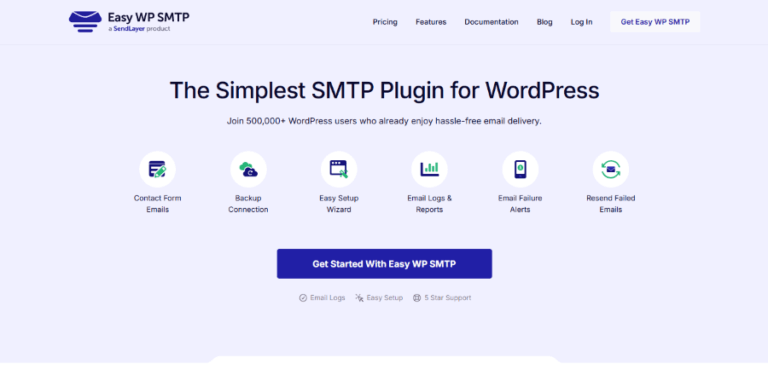
Easy WP SMTP is a robust tool that balances simplicity with powerful features. It was designed specifically to take the technical intimidation out of configuring SMTP settings.
The plugin features a step-by-step guided setup wizard that walks you through connecting your site to providers like SendLayer, Mailgun, or Gmail in minutes. Despite its beginner-friendly approach, it doesn’t skimp on advanced capabilities. Paid plans introduce smart conditional routing, allowing you to separate transactional and marketing emails, as well as automated backup connections to ensure zero downtime.
Standout Capabilities:
- Frictionless Onboarding: The most straightforward setup experience for users with zero technical background.
- Scalable Pricing: Offers clear, tiered annual plans that grow with your needs, from a single site up to large agency portfolios.
- Best For: Beginners and small business owners who want a secure, reliable email setup without dealing with complex configurations or overwhelming dashboards.
Easy WP SMTP Pricing:
- Free: $0/year (Basic SMTP configuration).
- Basic: $49.50/year (Paid feature set for a single website).
- Plus: $99.50/year (Higher website allowance with advanced features).
- Pro: $199.50/year (For users needing the plugin across multiple websites).
- Elite: $299.50/year (Highest listed plan for users managing a large number of WordPress websites).
Head-to-Head Comparison: Top SMTP Plugins at a Glance
To help you make a quick, informed decision, here is how the top contenders stack up against each other regarding core features and pricing.
| Plugin | Free Version Available? | Email Logs Included? | Multiple/Fallback Connections? | Starting Paid Price |
| GoSMTP | Yes | Paid Plans Only | Yes | $39/year |
| FluentSMTP | Yes | Yes (Free) | Yes (Free) | 100% Free |
| Post SMTP | Yes | Yes | Yes | $59.99/year |
| WP Mail SMTP | Yes | Paid Plans Only | Paid Plans Only | $49/year |
| Easy WP SMTP | Yes | Paid Plans Only | Paid Plans Only | $49.50/year |
Note: Price should not be the only deciding factor. The best option depends on your chosen mail provider, the number of websites you manage, and the level of monitoring your business requires.
How to Choose the Right SMTP Plugin for Your Stack
There is no single “best” plugin for every WordPress website. Your choice should align with your technical comfort level, budget, and business requirements.
- Choose GoSMTP if: You need advanced control, smart conditional routing, and want premium features for free (especially if you are already hosting with HostWP.io).
- Choose FluentSMTP if: You want a completely free plugin that doesn’t compromise on essential features like email logging, reporting, and fallback connections.
- Choose Post SMTP if: You are technically inclined and want deep diagnostic tools to troubleshoot and monitor exactly why an email might be failing.
- Choose WP Mail SMTP if: You want the industry standard with a massive support community, seamless form builder integrations, and don’t mind paying for premium tracking features.
- Choose Easy WP SMTP if: You are a beginner who wants the simplest, most guided setup experience possible, with the option to upgrade as your site grows.
Final Thoughts: Don’t Leave Your Email Deliverability to Chance
When building a WordPress website, it’s easy to obsess over design, page speed, and SEO, while treating email as an afterthought that should “just work.” But in reality, your default hosting email is a fragile system prone to spam flags and silent failures.
For any website that relies on user communication, installing a dedicated WordPress SMTP plugin is not an optional luxury; it is a fundamental requirement.
Before you install a plugin, take five minutes to decide which email delivery provider (like Amazon SES, Brevo, or Google Workspace) best fits your volume and budget. Then, pair it with the SMTP plugin that matches your need for logging, routing, and ease of use.
Pro Tip: Even the best SMTP plugin can only do so much if your underlying server environment is restrictive or poorly configured. Pairing a robust SMTP solution with a performance-optimized, developer-friendly host like HostWP.io ensures your website has the stable, secure foundation it needs to communicate flawlessly with your audience.
Stop guessing if your emails are arriving. Set up an SMTP plugin today, run a test, and finally get the peace of mind that your messages are landing exactly where they should.