



Ever logged into your WordPress site only to find hundreds of spam comments waiting in your dashboard? It’s annoying, right? And it’s more than just a nuisance, spam can slow down your site, mess with your SEO, and sometimes even link to unsafe websites.
These days, spam bots are smarter than ever and even more so because of Agentic AI tools. Old tricks like simple math questions or basic filters won’t cut it anymore. To keep your website clean, professional, and running smoothly, you need the right anti-spam plugins working quietly in the background.
In this guide, we’ll go through the best WordPress plugins to stop spam comments in 2026. You’ll see which ones are easy to use, protect your site effectively, and don’t annoy real visitors.
Why You Should Never Ignore Comment Spam
Spam comments can silently damage your website in multiple ways. First, they increase your database size, making your website slower over time. Second, many spam comments include harmful or low-quality links, which can negatively impact your search rankings. If you are dealing with spam that contains links, in that case you may consider removing the website field from your WordPress website.
Additionally, spam bots consume server resources every time they interact with your site. If you’re using high-performance hosting, you want those resources focused on real users — not automated bots.
Things You Should Look for in an Anti-Spam Plugin
Not all anti-spam plugins work the same way. Some rely on cloud databases, while others use local detection methods. Choosing the right one depends on your website type, traffic, and privacy requirements.
Before installing any plugin, make sure it offers the following features:
- Accurate spam detection
The plugin should be able to detect both basic and advanced spam without blocking real users. Look for tools that use AI, behavior analysis, or large spam databases. - No impact on user experience
Avoid plugins that frustrate users with difficult CAPTCHA challenges. Invisible protection methods are usually better for engagement and conversions. - Lightweight performance
A good anti-spam plugin should not slow down your website. Choose plugins that are optimized and don’t overload your server resources. - Compatibility with forms and WooCommerce
If you’re running contact forms, login pages, or an online store, make sure the plugin protects all entry points — not just comments. - Privacy and data handling
Some plugins send user data to external servers. If privacy matters to you, consider tools that process data locally. - Easy setup and automation
The best plugins work out of the box with minimal configuration and automatically filter spam.
Is It User-Friendly?
A good anti-spam plugin should be easy to install and manage, even for beginners. Look for a clean dashboard, simple settings, and automatic filtering so you don’t have to manually review every comment.
Does It Block Registration by Bots?
Spam isn’t limited to comments — bots can also create fake user accounts. A reliable plugin should protect registration forms and prevent automated signups that can clutter your database and create security risks.
Does It Offer Trackback Validation?
Trackbacks and pingbacks are common targets for spam. The plugin should be able to validate these requests and block fake or malicious trackbacks that link back to low-quality or harmful websites.
Does It Report Potential Threats?
Advanced anti-spam tools provide reports or logs of blocked attempts. This helps you understand where spam is coming from and allows you to take additional action, such as blocking IPs or regions if needed.
Top 11 Best WordPress Anti Spam Plugins
1.Akismet Anti-Spam

Akismet is one of the most trusted WordPress anti spam plugins, developed by the team behind WordPress itself, Automattic. It filters comments by comparing them against a global database of known spam patterns, ensuring that most unwanted content is blocked before it even reaches your dashboard.
It works automatically in the background, which makes it ideal for beginners and busy site owners. Over time, it learns from millions of websites, improving its accuracy and reducing the chances of false positives.
- Filters spam using a global database
- Automatically blocks most unwanted comments
- Shows moderation history for transparency
- Reduces manual workload
- Pricing: Free for personal use, pro plan comes with $ 9.95/month
2.Antispam Bee
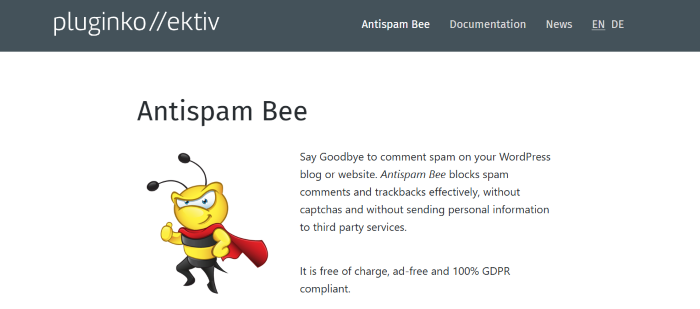
Antispam Bee is a powerful privacy-focused plugin that blocks comment and trackback spam without relying on CAPTCHA or external APIs. It processes all data locally, making it a great option for websites that want full control over user data and GDPR compliance.
It also offers flexible filtering options, allowing you to approve trusted users automatically or restrict comments based on language and location. This makes it highly effective while maintaining a smooth user experience.
- No CAPTCHA required
- Fully GDPR compliant (no external data sharing)
- Filters comments by language and country
- Automatically cleans old spam comments
- Pricing: Completely free
3.CleanTalk
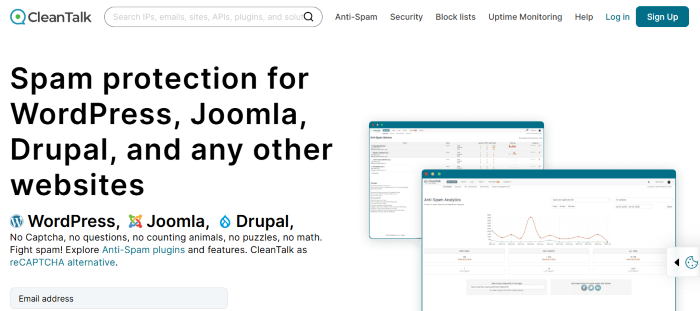
CleanTalk is a premium anti-spam solution that protects your entire website, not just the comment section. It works as a cloud-based firewall that blocks bots before they can interact with your forms, login pages, or checkout systems.
This makes it especially useful for WooCommerce stores and business websites where spam can affect conversions. Its real-time validation system ensures only genuine users can submit data.
- Blocks spam at the network level
- Protects forms, registrations, and checkouts
- Validates email and user data in real time
- Provides detailed spam logs
- Pricing: Paid with yearly subscription
4.WP Armour
WP Armour is a lightweight anti-spam plugin that uses honeypot technology to trap bots without affecting real users. It adds invisible fields that only bots can detect, making it highly effective without requiring any user interaction.
Because it doesn’t rely on external services, it has almost no impact on website performance. This makes it a great choice for speed-focused websites.
- Uses honeypot protection (no user interaction)
- Works with popular form plugins
- Lightweight and performance-friendly
- No external API required
- Pricing: Free with optional premium version
5.Cloudflare Turnstile
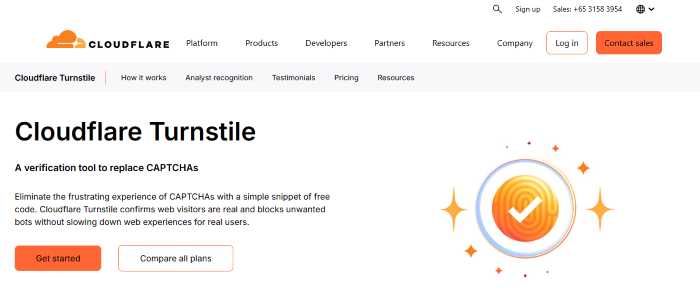
Cloudflare Turnstile is a modern alternative to traditional CAPTCHA systems. Instead of asking users to solve puzzles, it verifies visitors silently using browser-based signals.
This improves user experience significantly while still blocking bots effectively. It’s especially useful for websites that want clean design without annoying verification steps.
- Invisible user verification
- No CAPTCHA challenges
- Improves user experience
- Privacy-focused approach
- Pricing: Free & custom plan available
6.Titan Anti-Spam & Security
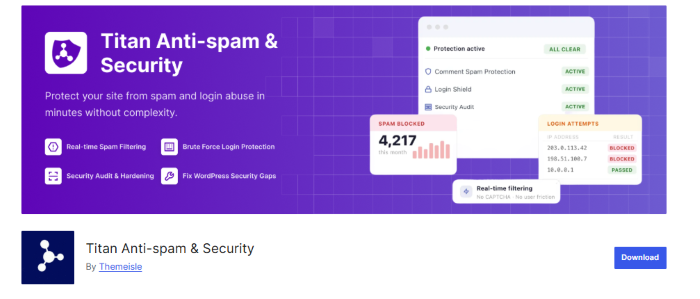
Titan is a combined security and anti spam plugin that offers protection against spam, malware, and brute force attacks. It uses both cloud-based detection and local analysis to identify suspicious activity.
This makes it a good option for users who want an all-in-one solution instead of installing multiple plugins.
- Combines security and spam protection
- Includes malware scanning
- Protects against brute force attacks
- Monitors suspicious activity
- Pricing: Free with premium upgrade ($ 39/year)
7.Stop Spammers

Stop Spammers is designed for websites that are facing heavy spam attacks. It provides advanced controls that allow you to block traffic based on IP, country, or user behavior.
It is highly customizable, making it suitable for experienced users who want full control over spam protection.
- Blocks IPs and countries
- Advanced spam filtering rules
- Real-time attack notifications
- Highly customizable settings
- Pricing: Free with premium options
8.WP Cerber Security
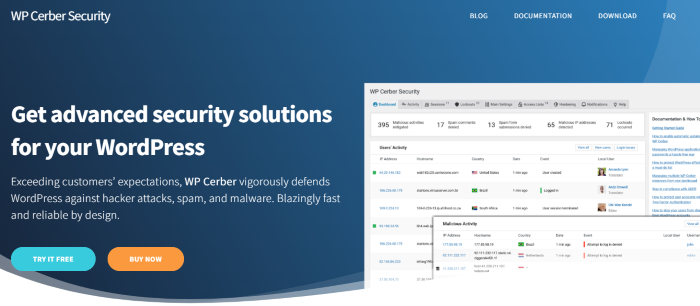
WP Cerber focuses on treating spam as a security threat. It protects login pages, registration forms, and comments by monitoring user activity and blocking suspicious behavior.
It also includes security features like malware scanning and login protection, making it a strong choice for security-conscious websites.
- Monitors user activity and logins
- Blocks suspicious registrations
- Includes malware scanner
- Adds extra login security
- Pricing: Free with paid plans ($ 29/month)
9.Zero Spam for WordPress

Zero Spam is a beginner-friendly plugin that works automatically without requiring configuration. It uses AI and behavioral analysis to detect and block spam submissions.
Its simplicity makes it ideal for users who want a set it and forget it solution.
- No setup required
- Uses AI-based spam detection
- Works with forms and comments
- Minimal performance impact
- Pricing: Free and paid ($8/month)
10.OOPSpam
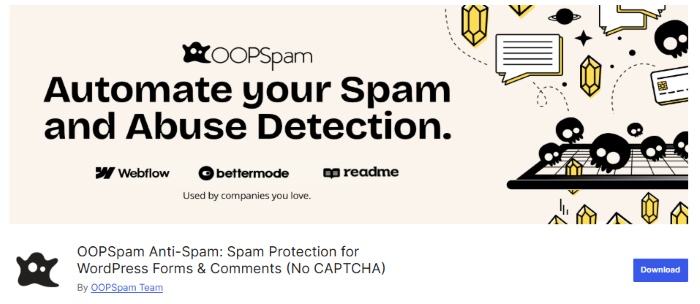
OOPSpam is an API-based spam filtering service that uses machine learning to detect spam content and behavior. It is popular among developers who want a scalable solution across multiple websites.
It can analyze message content and filter spam based on language, making it highly customizable.
- AI-powered spam detection
- Supports multiple websites via API
- Language-based filtering
- High accuracy rate
- Pricing: Paid based on usage, $ 40.83/month
11.All-In-One Security (AIOS)

All-In-One Security is a comprehensive plugin that includes spam protection along with firewall and login security features. It helps secure your site while also keeping spam under control.
It is a good choice if you want to manage security and spam from a single dashboard.
- Includes spam prevention module
- Adds firewall and login protection
- Helps clean spam from the database
- Easy to manage from one dashboard
- Pricing: Free
How to Stop Spam Comments in WordPress
Stopping spam comments requires a combination of tools and best practices. Start by installing a reliable anti-spam plugin like Akismet or Antispam Bee. Then, enable comment moderation and consider using invisible verification tools like Turnstile.
You should also keep your WordPress core, themes, and plugins updated to avoid vulnerabilities. Combining these steps ensures your website stays protected without affecting real users.
Spam comments can silently damage your website in multiple ways. They increase your database size, slow down your site, and make management harder.
If your site already has a lot of unwanted comments, you can quickly clean them up by following this guide on how to bulk delete WordPress comments
Frequently Asked Questions
How do I stop spam comments in WordPress?
You can stop spam comments by using anti-spam plugins, enabling moderation, and adding invisible verification tools like Cloudflare Turnstile.
Which is the best WordPress anti-spam plugin?
Akismet is the most popular, but Antispam Bee and CleanTalk are also excellent, depending on your needs.
Do I need CAPTCHA to stop spam?
No, many modern plugins use AI and behavior analysis to block spam without requiring CAPTCHA.
Can spam comments affect SEO?
Yes, spam comments with low-quality or harmful links can negatively impact your website’s SEO and credibility.
Spam comments are more than just a nuisance; they can slow down your site, harm your SEO, and damage user trust. Using a WordPress anti-spam plugin is critical to keep your website secure, and our team at HostWP.io recommends our customers to use a combination of security plugins. .
To get the best results, combine a reliableanti-spam plugin with optimized performance strategies. If your website is still slow despite optimizations, your hosting environment also plays a major role.