



The best WordPress AI page builder depends on what you need. Elementor is a flexible choice for designing pages, Divi AI suits Divi users, and SeedProd is built for landing pages. For a full website draft, compare 10Web, Brizy AI, and ZipWP. Beaver Builder is worth a look for freelancers, while Spectra adds more tools to the normal WordPress block editor.
Prices matter, but the cheapest plan is not always the right one. Some prices below are annual offers, some are renewal prices, and some are monthly amounts billed for a full year. The AI feature may also be included only in certain plans. We’ve stated the billing basis next to each price and noted when an AI feature isn’t included in the base plan. Prices were checked on October 26, 2026; vendors can change them, so confirm the checkout total before buying.
WordPress AI page builders compared
| Product | Good for | Three example prices | AI included? |
| Flexible page design | Essential $5/mo; Advanced Solo $7/mo; Advanced $9/mo, billed yearly | AI access depends on the product. Elementor One lists 25,000 monthly credits; do not assume every plan includes it. | |
| Divi users | Divi $89/yr; Divi AI $193/yr; Divi Pro $277/yr | Included in Divi AI and Divi Pro; not listed in the $89 Divi plan. | |
| Landing pages | Basic $39.50/yr; Plus $99.50/yr; Pro $199.50/yr, first-year offers | AI features are advertised, but the pricing page does not clearly map them to each plan. | |
| Full-site drafts and hosting | AI Starter $10/mo; AI Premium $15/mo; Agency Starter $42.50/mo, annual offers | AI site builder is part of these AI platform plans. | |
| Quick business websites | Personal $41/yr; Freelancer $69/yr; Agency $139/yr, current promo implied by listed savings | AI Builder is listed in Personal, Freelancer, and Agency. | |
| Freelancers and agencies | Starter $89/yr; Plus $179/yr; Professional $299/yr | Included with Plus and higher plans, not Starter. | |
| WordPress block editor | Spectra Pro $69/yr; Essential Toolkit + AI $199/yr; Business Toolkit + AI $279/yr | AI features are in the Toolkit + AI plans; not listed as included in Spectra Pro. | |
| Full first-draft websites | Starter $99/yr; Pro $199/yr; Business $279/yr, first-year offers | AI generation is included in the listed paid tiers. |
The prices in the table are starting points, not a promise that every plan is equal. For example, one plan may allow one site while another covers dozens. The product sections below explain what each price buys and whether it includes AI.
1. Elementor: best for flexible page design
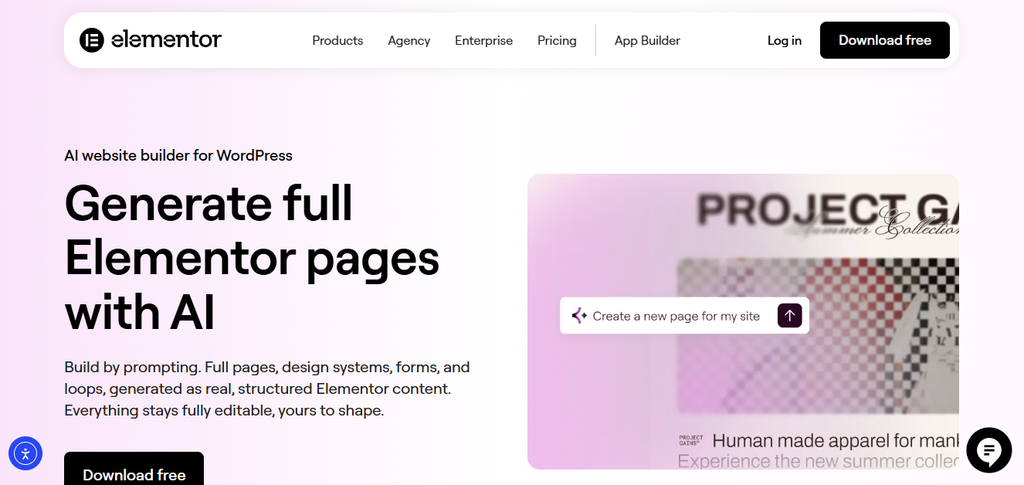
Elementor is a visual builder that lets you design WordPress pages without writing code. Its AI page-building experience can create editable page layouts, forms, and other content from a prompt. You can then adjust the result in the Elementor editor.
Features
•Ask AI to create a page layout or design system.
•Edit the result in Elementor instead of using a fixed image or locked template.
•Adjust page sections, colors, text, pictures, and spacing.
•Use Elementor’s wider builder tools for forms, themes, and dynamic content on eligible plans.
Pricing
Elementor’s pricing page shows these plans as monthly equivalents billed annually:
•Essential: 5permonth,billedyearly(60 for the year); one website.
•Advanced Solo: 7permonth,billedyearly(84 for the year); one website.
•Advanced: 9permonth,billedyearly(108 for the year); three websites.
The regular paid plans do not all clearly promise the same AI access. Elementor One is a separate option, and its page lists 25,000 monthly credits for AI-generated code, copy, images, and layouts.
Why choose Elementor?
Choose Elementor if you want to shape the page after AI creates a first draft. It gives you many ways to adjust how a site looks. That can help if your website has several page types or you want a design that matches your brand. There are lots of controls, so new users may need time to learn them. Preview your changes on both a phone and a computer.
2. Divi AI: best for people who already use Divi
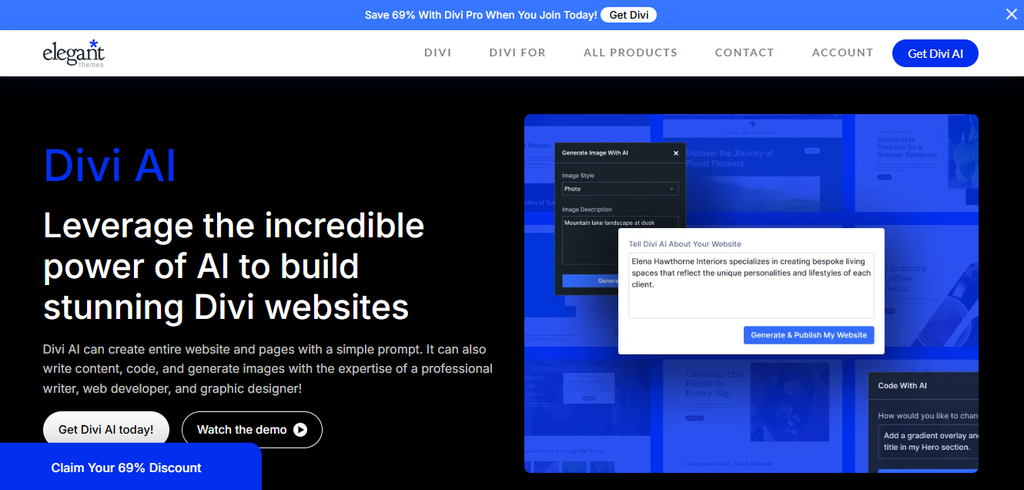
Divi AI works inside the Divi Visual Builder. It can help create layouts, write text, make images, and generate code. This can save time because you can use the tools while designing a page, rather than copying content from a separate AI app.
Features
•Make layouts and draft text inside the visual builder.
•Generate images and add them to the WordPress media library.
•Ask for code or styling help with Divi-specific parts.
•Use Divi Quick Sites to create a full-site starting point.
Pricing
The vendor lists these annual prices:
•Divi Theme & Builder: $89 per year; builder access for unlimited sites. Divi AI is not listed in this plan.
•Divi AI: $193 per year; AI add-on for existing Divi users.
•Divi Pro: $277 per year; Divi plus the Pro services, including Divi AI.
These are yearly charges, not monthly payment prices.
Why choose Divi AI?
Divi AI is a natural fit if you already build sites with Divi. It can help with several common jobs in one place. If you are not a Divi user, compare the full cost of the builder and AI plan before choosing it. Think about whether you will keep using Divi in the future, since changing builders can mean redoing parts of a site.
3. SeedProd: best for landing pages and campaigns
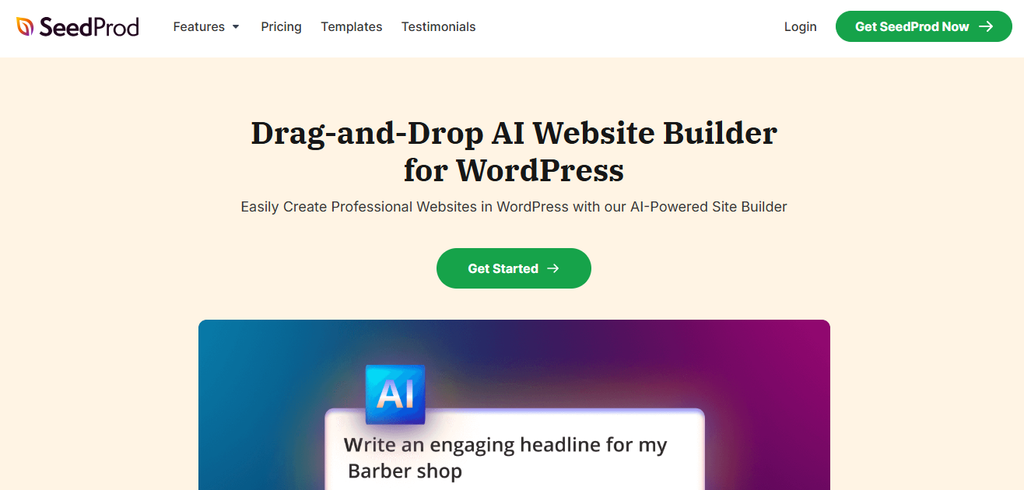
SeedProd is a drag-and-drop WordPress builder used for landing pages, sales pages, and coming-soon pages. Its AI tools can help draft text, translate it, and create or edit images. Templates and page blocks give you a quick place to start.
Features
•Draft or rewrite headlines and page sections.
•Change the tone or length of text.
•Translate content into more than 50 languages.
•Generate images and make changes to selected areas.
•Build campaign pages using templates and marketing blocks.
Pricing
SeedProd lists these introductory annual prices and site limits:
•Basic: $39.50 for the first year; one site. Listed regular price: $79 per year.
•Plus: $99.50 for the first year; three sites. Listed regular price: $199 per year.
•Pro: $199.50 for the first year; five sites. Listed regular price: $399 per year.
The pricing page says these are introductory offers and renewals are at full price. The AI feature page does not clearly say which AI tools are included in each tier, so confirm that before purchasing.
Why choose SeedProd?
SeedProd can be a good fit if you need a page for a product, service, or promotion. Its templates help you get the layout started, and AI can help when you are stuck on the first line. Check the generated text carefully. Make sure prices, product details, and customer claims are correct. You know your business better than the tool does.
4. 10Web: best for a full site draft and hosting
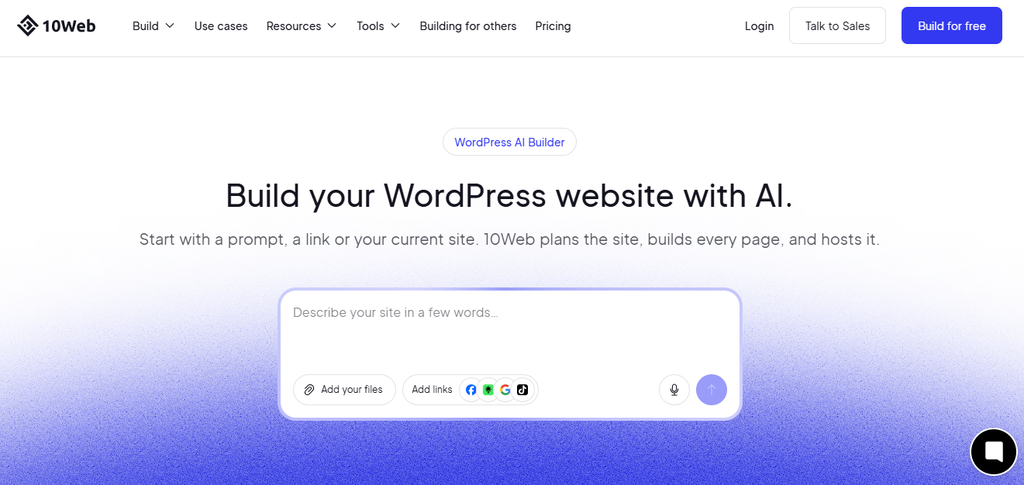
10Web AI Builder can create a WordPress site from a description of your business. It can also recreate a page from a URL and let you edit the result with an Elementor-based visual editor. Hosting and site management are offered through the same platform.
Features
•Make a site draft from a short business description.
•Recreate a page layout from a website address.
•Edit text, images, and sections with AI help.
•Use WordPress and WooCommerce features on the generated site.
•Add hosting, backups, SSL, and site management through the platform.
Pricing
The official pricing page displays annual offers as monthly equivalents. Three examples are:
•AI Starter: 10 permonthequivalent,billedannually(120 for 12 months); the page shows a regular total of $240.
•AI Premium: $15 per month equivalent on the displayed annual offer; confirm the exact annual total and renewal amount at checkout.
•Agency Starter: 42.50 permonthequivalent,billedannually(510 for 12 months); the page shows a regular total of $1,020 and includes 10 websites.
The AI Starter plan is for one website in the vendor’s plan guide. Plan limits and discounts can differ by billing period.
Why choose 10Web?
10Web may work well if you want a site draft and hosting in the same service. This can reduce the number of tools you need to set up. It may also suit an agency that builds many sites. Compare storage, visitor limits, and renewal prices before you choose a plan. If you already have a host, make sure you understand how to move the site later.
5. Brizy AI: best for a quick business site
Brizy AI for WordPress can build a draft website from basic details about your business. It can create pages, layouts, and text. You can then edit the site in Brizy’s visual builder, including changing one section without rebuilding the whole page.
Features
•Draft pages such as Home, About, Services, and Contact.
•Edit or regenerate individual sections.
•Use a visual drag-and-drop editor.
•Use business details and, where supported, Google Business Profile information to guide the draft.
•Create a responsive design and customize it for phones and tablets.
Pricing
Brizy’s WordPress pricing page shows yearly plans with a listed former price and a “Save” amount. The sale prices below are calculated by subtracting the stated saving; confirm the final checkout price because promotions can change:
•Personal: $41 per year based on $59 listed less $18 savings; one website.
•Freelancer: $69 per year based on $99 listed less $30 savings; 25 websites.
•Agency: $139 per year based on $199 listed less $60 savings; 50 websites.
AI Builder is listed as included in these three plans. The White Label plan shows $299 listed less $90 savings, but AI Builder is not marked as included in the comparison.
Why choose Brizy AI?
Brizy can help if you need a small business site and do not want to start with an empty page. A draft of the main pages gives you something to edit. This can be useful for a local service business or a new company. Read every section and replace general wording with real details about your work. A good-looking first draft still needs your own review.
6. Beaver Builder: best for freelancers and agencies
Beaver Builder is a visual page builder with a steady, familiar way to build WordPress pages. AI is included in some plans, which can be useful for people who already use Beaver Builder and want help without moving to a new tool.
Features
•Build pages with a visual editor and ready-made page parts.
•Use AI in Plus, Professional, and Unlimited plans.
•Add theme-building and WooCommerce tools with eligible plans.
•Choose a license based on the number of sites you manage.
Pricing
The official pricing page lists these annual prices:
•Starter: $89 per year; one site; AI is not included.
•Plus: $179 per year; three sites; AI is included.
•Professional: $299 per year; up to 50 sites; AI is included.
An Unlimited plan is also listed at $546 per year.
Why choose Beaver Builder?
Beaver Builder may suit a freelancer who wants a visual editor and a clear site license. AI is extra help in the builder, not the only way to make a site. Check the plan’s site limit before buying. A plan that looks cheap may end up costing more if you need to cover several separate client websites.
7. Spectra: best for WordPress block editor users
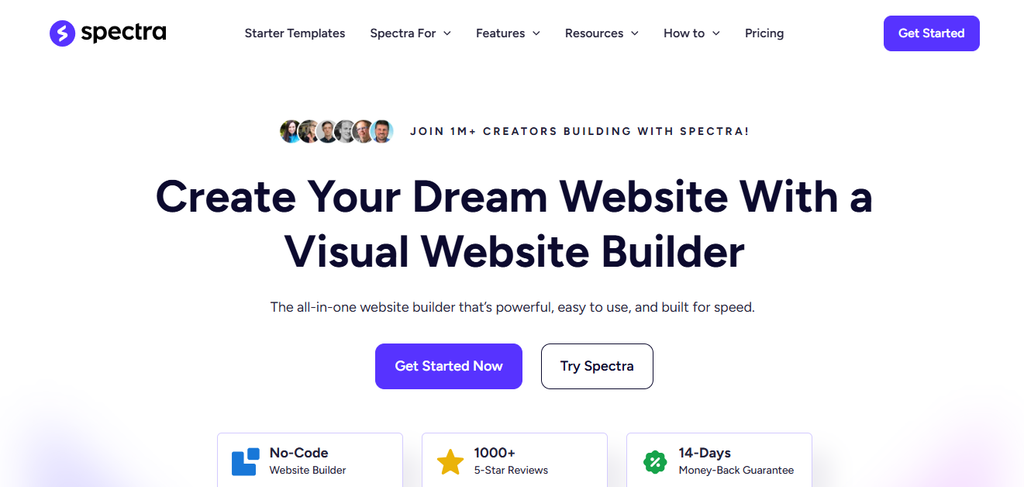
Spectra adds design blocks and tools to the WordPress editor. The editor is built into WordPress, so you do not have to switch to a completely separate editing screen. The vendor offers a basic plugin and bigger bundles that include AI services.
Features
•Build pages with blocks in the WordPress editor.
•Add extra design and layout controls.
•Use starter designs to get a page moving.
•Higher Toolkit plans include AI Platform features for site creation and content customization.
Pricing
Spectra’s pricing page lists these yearly options:
•Spectra Pro: $69 per year; up to three websites. AI Platform features are not listed in this plan.
•Essential Toolkit + AI: $199 for the first year; renews at $299 per year; up to 10 websites.
•Business Toolkit + AI: $279 for the first year; renews at $429 per year; up to 1,000 websites.
The Toolkit plans also offer one-time purchase options, but feature terms can differ. The pricing page has some mixed AI descriptions, so confirm the included features before checkout.
Why choose Spectra?
Spectra is worth a look if you like the standard WordPress editor and want more ways to design a page. The free core plugin lets users try block building, while the paid plans add more features. If you are buying mainly for AI, read the plan comparison closely. Do not assume that every Spectra plan includes the same AI tools.
8. ZipWP: best for a complete first draft
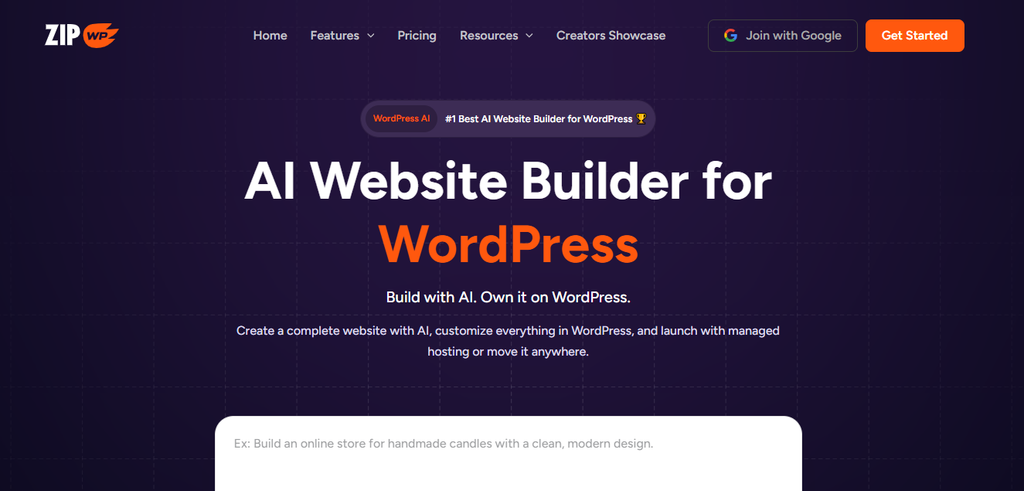
ZipWP creates a first draft of a WordPress website based on a short business description. It can create pages, text, and images, then let you continue editing the site in WordPress. The paid plans also combine AI tools with hosting and other services.
Features
•Create a full site draft from a business description.
•Generate pages, text, and images to help get started.
•Continue editing the site with WordPress themes and plugins.
•Use more site planning and team tools on higher plans.
•Choose hosting as part of eligible plans.
Pricing
ZipWP lists these annual prices for the first year, along with the yearly renewal price:
•Starter: $99 for the first year; renews at $149 per year; up to three sites for premium tools and one hosted website.
•Pro: $199 for the first year; renews at $299 per year; up to 10 sites for premium tools and two hosted websites.
•Business: $279 for the first year; renews at $429 per year; up to 1,000 sites for premium tools. The price page does not clearly state a hosted-site count for this tier.
AI generation is listed in the paid plans.
Why choose ZipWP?
ZipWP can help if you want a whole website draft instead of a single page section. It may be useful for a new business, a personal site, or an agency presenting an initial idea to a client. Check what is included in hosting, and whether the plan lets you move the site to another provider. You should also review the text and images before you publish.
How to choose the right AI page builder
Start by asking what you want AI to make. If you need a full site, compare 10Web, Brizy AI, and ZipWP. For help while designing regular pages, look at Elementor or Divi. SeedProd is focused on marketing pages. Beaver Builder and Spectra may fit users who already like their editing style.
Before paying, check these points:
•AI access: Is it included in the plan, or is it a separate add-on? Are there credit limits?
•Site limits: How many websites can you build or manage with one license?
•Renewal price: Is the low price an introductory offer? What will you pay next year?
•Moving your site: Can you take the site to another host if your needs change?
•Mobile and speed: Test your finished pages on a phone and remove anything you do not need.
AI can save time, but it does not know every detail about your business. Check facts, prices, product claims, and contact details. Rewrite anything that sounds too general. Good site content should answer real questions and help visitors take the next step.
Frequently asked questions
What is the best AI page builder for WordPress?
Elementor is a flexible choice for editable pages. Divi AI suits Divi users, SeedProd is useful for landing pages, and 10Web, Brizy AI, or ZipWP can draft a full site. The best choice depends on your workflow and budget.
Can AI build a full WordPress website?
Yes. Tools such as 10Web, Brizy AI, and ZipWP can create a first-draft WordPress site from a short description. Review and edit the pages before publishing.
Are WordPress AI page builders free?
Some builders offer free plugins or trials, but AI tools may need a paid plan or have usage limits. Check the plan details before you start building.
Do AI page builders include hosting?
Some services, such as 10Web and ZipWP, sell hosting with their builder plans. Other tools are plugins that you install on your own WordPress hosting account.
Will an AI page builder slow down my website?
It can, depending on the builder, theme, images, and add-ons you use. Test your finished pages and remove features you do not need.
Can I move my AI-built WordPress site to another host?
Often you can, but the steps depend on the builder and hosting plan. Check export and migration options before you commit to a platform.
Final thoughts
There is no one best AI page builder for every WordPress site. Elementor gives you room to design. Divi AI is a good fit for existing Divi users. SeedProd focuses on landing pages, while 10Web, Brizy AI, and ZipWP can make full-site drafts. Beaver Builder and Spectra suit different WordPress editing styles.
Compare today’s price with the renewal price, and make sure the plan includes the AI tools you actually need. Then edit the generated pages so they sound like your business. If you are also comparing WordPress hosting, see HostWP.io’s pricing page for its hosting plans and included features.