
Security
How to Stop Bot Traffic on a WordPress Website
Spam and malicious bots are more than a nuisance; they quietly consume server resources, pollute analytics, slow down websites, and create real security risks. …
November 18, 2025

How to Whitelist GoogleBot on WordPress
Most online experiences start with a Google search. If Google can’t “see” your website, it’s invisible to potential visitors. Often, your website security, in…
June 10, 2025

How to Force Users to Create Complex Passwords When Signing Up on a WordPress Website
Are you aware that 81% of data breaches happen due to weak or stolen passwords? That’s quite alarming, isn’t it? It simply means that…
June 5, 2025

8 Best WordPress Multiple Site Management Tools And Plugins
Did you know that WordPress powers over 40% of all websites on the internet? That’s a whole lotta digital real estate to look after!Managing…
May 12, 2025

9+ Best Security Plugins for WordPress in 2025 to Protect Your Website from Vulnerabilities, Malware, and Hacks
Did you know that over 30,000 websites are hacked every single day? That’s a staggering number, and it underscores why having a robust defense…
May 6, 2025
How to Downgrade WordPress Version, Rollback Plugins, and Themes
WordPress updates are essential for keeping your website secure, functioning properly, and equipped with the latest features. However, sometimes these updates can cause unexpected…
April 26, 2025

WordPress Security Best Practices and Tips – Complete Guide To Secure WordPress in 2025
WordPress security is a significant topic, and over the years, attacks on WordPress websites have increased in both frequency and complexity. WordPress, while highly…
April 24, 2025
How to Add Uptime Monitor in a WordPress Website (2 Methods)
Keeping your WordPress site online 24/7 is crucial! Learn how to add an uptime monitor using external services, or server-side tools for instant downtime…
March 27, 2025

How to Force HTTP to HTTPS Redirect on WordPress Website
After installing an SSL certificate on your WordPress website, the usual next step is to force all HTTP URLs to HTTPS by applying a…
March 18, 2025

How to Install SSL Certificate on a WordPress Website
Installing an SSL (Secure Sockets Layer) certificate on your WordPress site is one of the easiest ways to boost its security and credibility. Think…
March 4, 2025
How to Backup a WordPress Website (3 Easy Methods)
Keeping your WordPress website safe and secure should be at the top of your mind. After you’ve added your favorite WordPress plugins and chosen…
February 21, 2025

What is DDoS Attack and How to Protect WordPress from DDoS Attacks
Cyberattacks are on the rise, and Distributed Denial of Service (DDoS) attacks are one of the most dangerous threats to any online business. According…
February 14, 2025
How to Protect Your WordPress Site From Brute Force Attacks
Here’s what you need to know: brute force attacks aren’t just an inconvenience—they can destroy your reputation and cripple your business. But the good…
February 11, 2025

How to Install reCAPTCHA in WordPress Contact Form
Did you know that over 50% of web traffic worldwide comes from bots? Some of these bots are harmless, but many are built for…
January 17, 2025

WordPress Auto-Updates: How To Disable, Enable, and Manage Automatic Updates In WordPress
Why WordPress Updates Automatically? WordPress is a dynamic open-source CMS that’s constantly evolving with thousands of contributors around the globe working on its new…
November 14, 2024
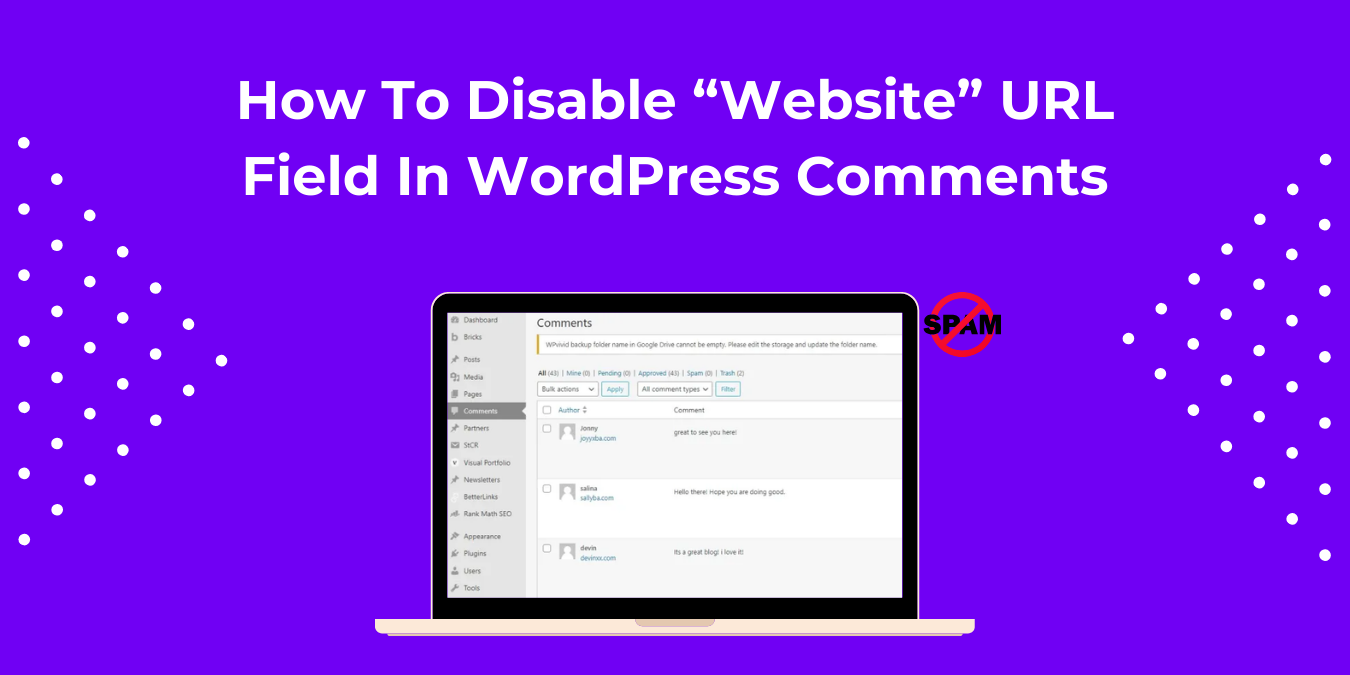
How To Disable “Website” URL field in WordPress comments
Getting “Do-Follow” links from good DA(Domain Authority) and high-traffic websites is still considered to be beneficial for your website’s visibility on SERPs. There are…
May 27, 2024
The Complete WordPress Security Checklist
In today’s digital landscape, numerous threats can compromise your digital presence and put your sensitive information at risk. It is essential to stay proactive…
May 8, 2024
Get the latest from WordPress directly in your inbox
Expert WordPress Support Engineers Available 24/7
90 sec
Average
Response Time
98 %
Customer
Rating
24/7
Expert
Support